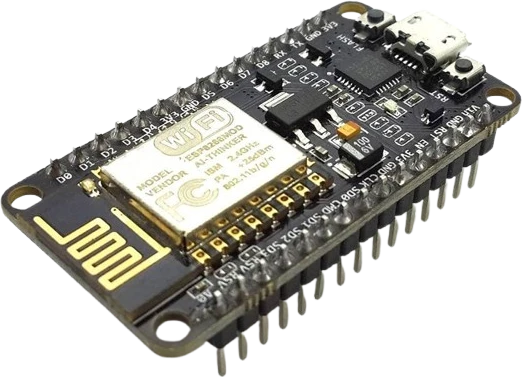
Sensor readout dashboard
Show live temperature, humidity, or distance from an I2C or analog sensor as text and simple bar graphs on the OLED.
A 0.96-inch monochrome OLED with 128x64 pixels driven by the SSD1306 controller over a 4-wire I2C bus.
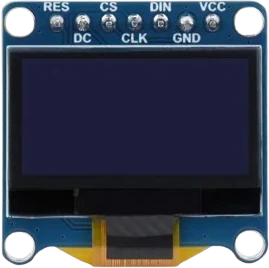
The OLED 128x64 is a small self-emissive display module built around Solomon Systech's SSD1306 controller. Each of its 128 by 64 pixels is an individual organic LED, so the panel produces light directly and needs no backlight. That gives it high contrast and wide viewing angles while keeping the board thin at roughly 3.5 mm deep.
The module talks over I2C using just four pins: GND, VCC, SCL, and SDA. It responds at address 0x3C by default (a hardware option shifts it to 0x3D on some boards). The SSD1306 contains an internal charge pump that generates the higher voltage the OLED panel needs, so the board runs from a single logic supply and accepts 3.3V to 5V. On-board pull-up resistors sit on the SCL and SDA lines, so a single module needs no external pull-ups.
Inside the controller is 1 KB of Graphic Display Data RAM organized as 8 pages of 128 bytes, mapping one bit to each pixel. Brightness is set through a 256-step contrast register. Libraries such as Adafruit_SSD1306 and U8g2 buffer the full frame in the microcontroller and push it to this RAM. In Tinkered the display is fully simulated, so sketches that draw text and graphics render live on the 3D part.
| Pin | Function | Type |
|---|---|---|
GND GND | Power | Power in |
VCC VCC (3.3-5V) | Power | Power in |
SCL SCL | I²C SCL | Bidirectional (GPIO) |
SDA SDA | I²C SDA | Bidirectional (GPIO) |
Verified from the Tinkered component library.
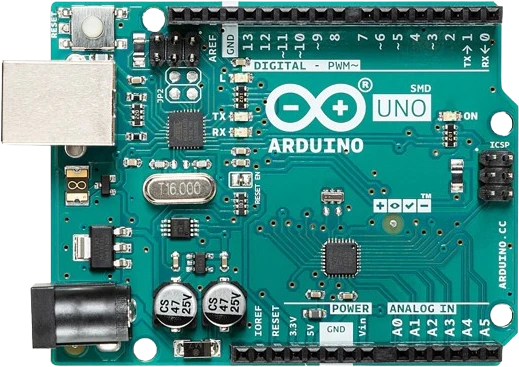
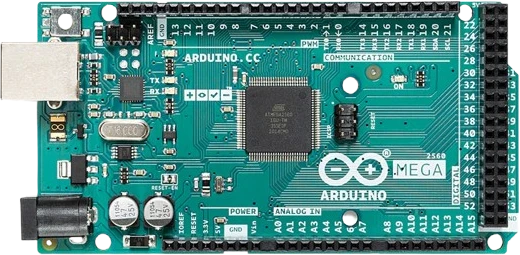
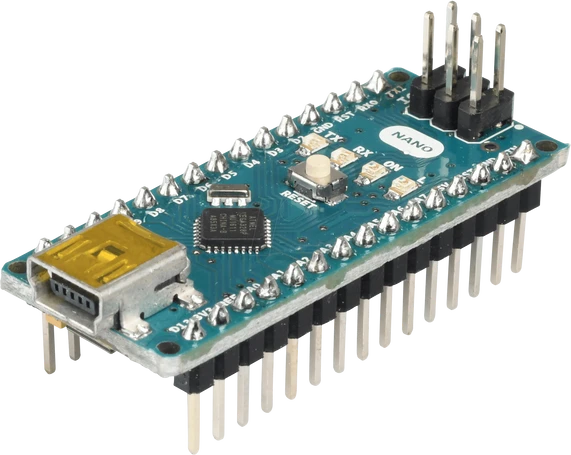
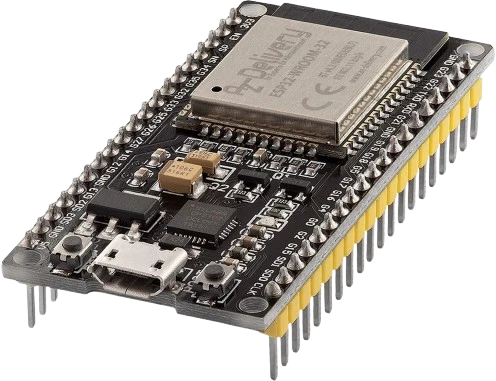
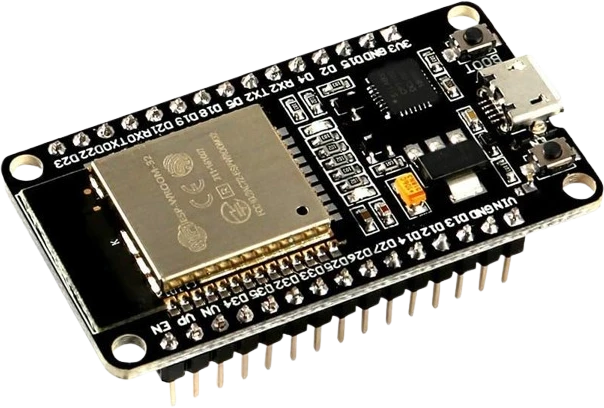
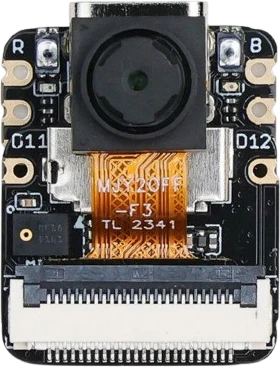
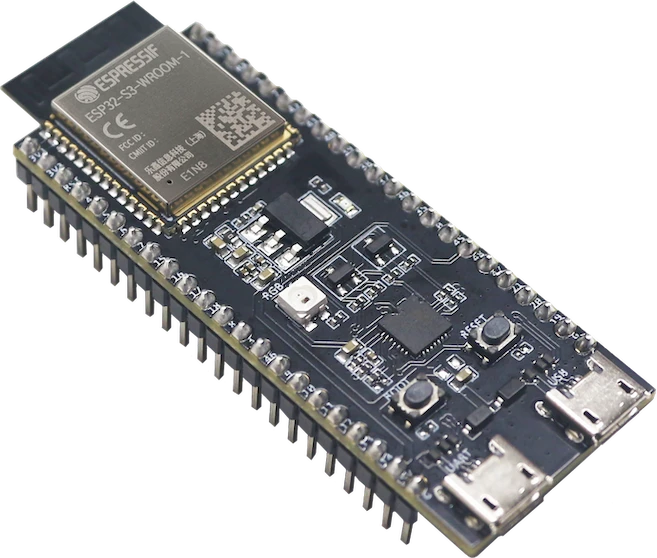
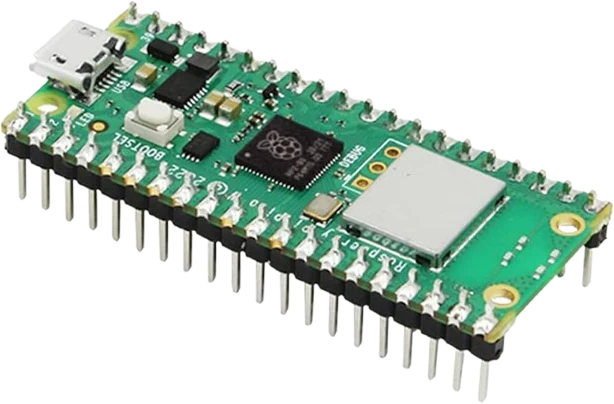
The OLED 128×64 connects to any of the microcontrollers supported in Tinkered. Mind the 3.3 V logic level on 3.3 V boards.
The OLED 128×64 is fully simulated in Tinkered. Wire it into a circuit, write your firmware, and read real values back with no physical hardware. Test your logic before you touch a breadboard.
Open it in the simulatorA blank screen is most often an address mismatch. The default is 0x3C, but some modules ship at 0x3D. Run an I2C scanner to confirm, then pass the detected address to begin().
Look-alike 0.96 and 1.3-inch boards use the SH1106 controller, which has a 132-column RAM with a 2-pixel offset. Driving an SH1106 with an SSD1306 library produces shifted or garbled output, and vice versa.
Buffered libraries draw into RAM on the microcontroller, not the panel. Nothing appears until you call display() (or its equivalent) to transfer the frame to the SSD1306's GDDRAM.
A full 128x64 monochrome frame buffer is 1 KB. On small AVRs that is half of an Uno's 2 KB of SRAM, which can leave too little for the rest of the sketch and cause resets or corrupted output.
The four pins are easy to cross. If VCC and GND are correct but the display stays dark, verify SDA goes to the data line and SCL to the clock line rather than the reverse.
Show live temperature, humidity, or distance from an I2C or analog sensor as text and simple bar graphs on the OLED.
Pair the display with an RTC to render a large-font clock, countdown timer, or alarm status.
Display CPU load, memory, or network stats streamed from a host over serial as a compact always-on panel.
Combine the OLED with a rotary encoder or buttons to build a scrollable settings menu for a larger project.
The fast I2C refresh supports simple games like Pong or Snake and looping bitmap animations.
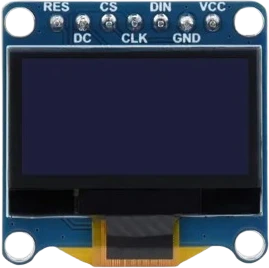
oled-sh1107-128x128Square monochrome OLED
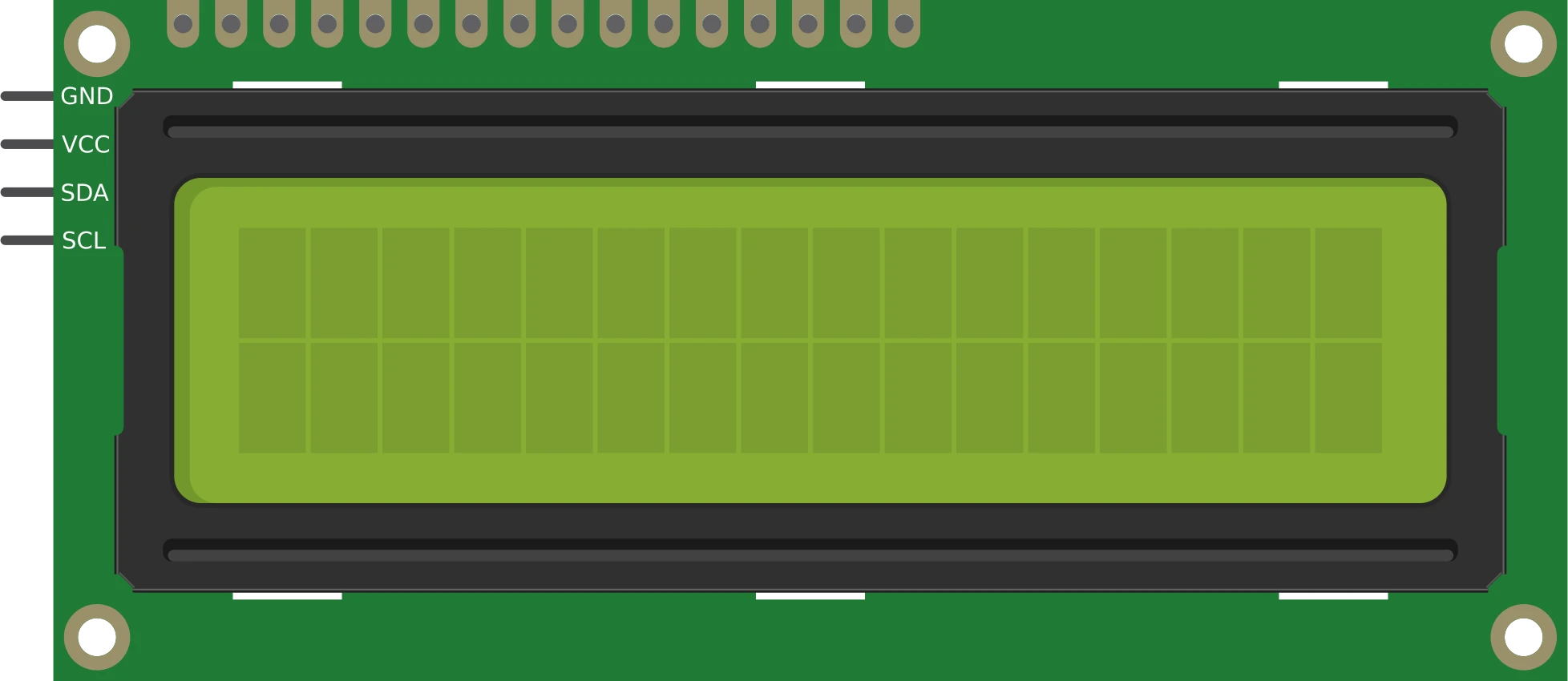
lcd-1602-i2c16×2 character display
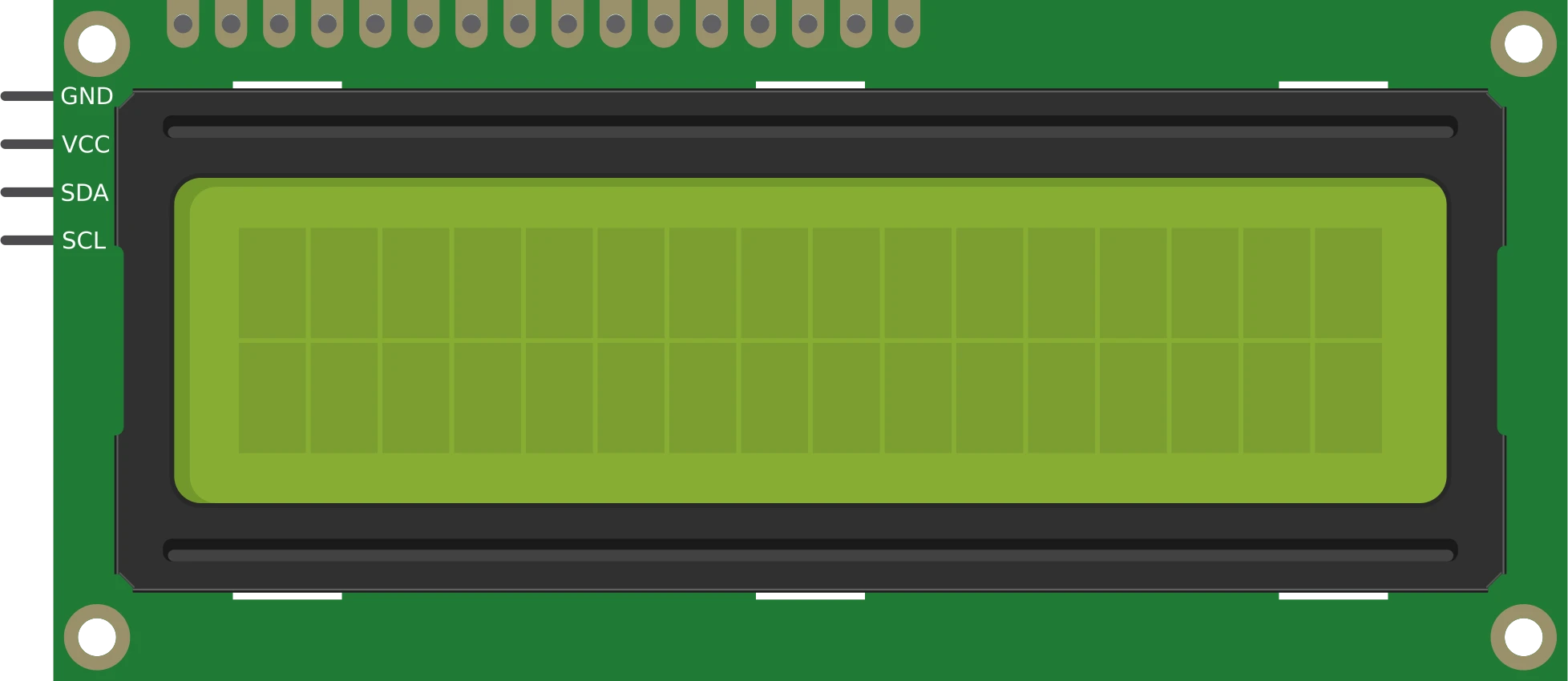
lcd-1602-parallel16×2 character display
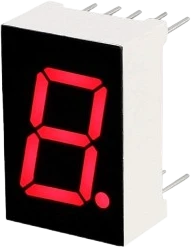
7seg-displaySingle numeric digit
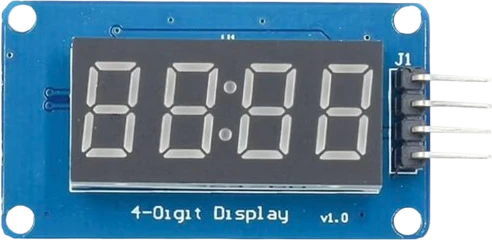
tm1637-4digit-displayFour-digit segment module
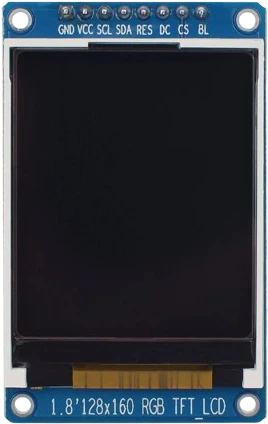
st7735-tft-1-8Color SPI display
Drop the OLED 128×64 into a circuit, write firmware, and simulate it in your browser, then deploy to real hardware. All in one editable Tinkered project.