Menu navigation dial
Scroll a display menu with rotation and select with the push switch, a common interface for OLED projects.
A KY-040 incremental rotary encoder with quadrature CLK and DT outputs plus a push switch, for endless knob input.
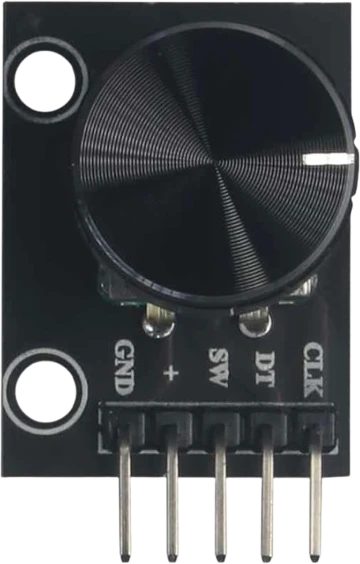
The KY-040 is an incremental rotary encoder on a small breakout board. Unlike a potentiometer, it turns continuously with no end stops and reports change rather than an absolute position, so it is ideal for scrolling through menus or adjusting a value up and down without limits.
It has five pins: CLK, DT, SW, plus VCC and GND. Rotating the shaft produces two square waves on CLK and DT that are 90 degrees out of phase (quadrature). The order in which CLK and DT change tells you the direction, and counting the edges tells you how far it turned. A typical KY-040 has 20 detents per revolution.
Pressing the shaft closes a momentary switch on the SW pin, giving a built-in button for select or confirm actions. The board runs from about 5 V and includes some pull-up resistors, though many designs still enable the microcontroller pull-ups for stability.
| Pin | Function | Type |
|---|---|---|
CLK CLK | Digital quadrature A | Digital output |
DT DT | Digital quadrature B | Digital output |
SW SW | Digital push switch | Digital output |
VCC VCC (+) | Power | Power in |
GND GND | Power | Power in |
Verified from the Tinkered component library · Generic.
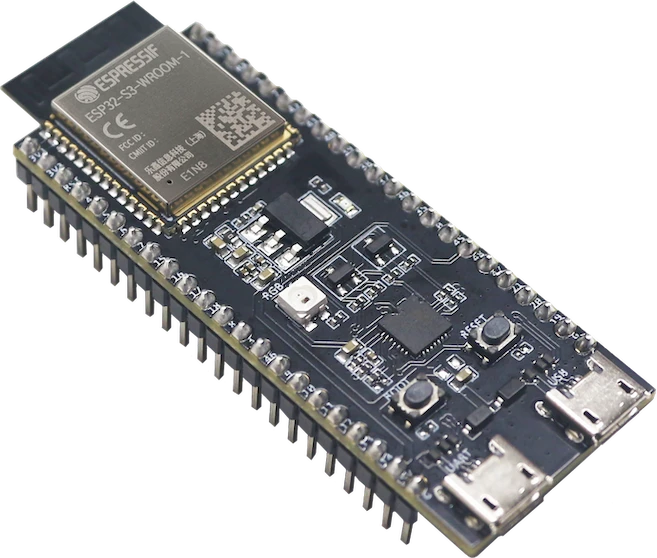
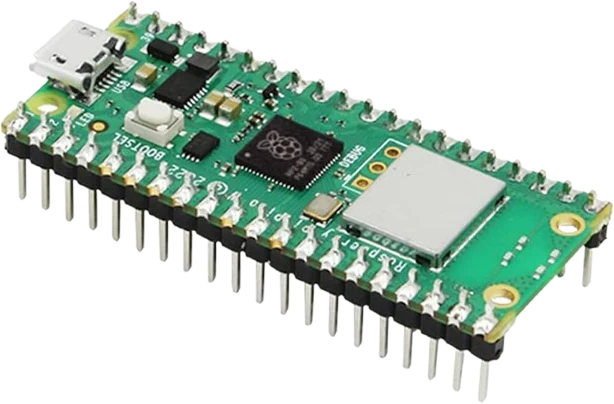
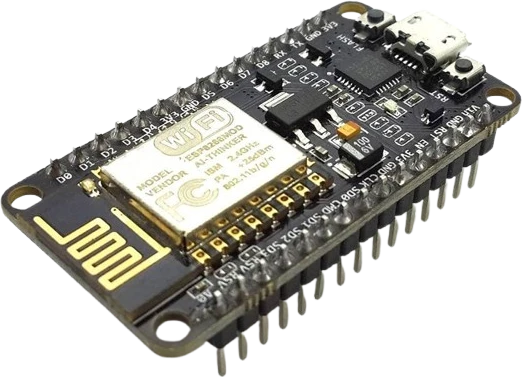
The KY-040 Rotary Encoder connects to any of the microcontrollers supported in Tinkered. Mind the 5 V logic level on 3.3 V boards.
The contacts bounce as they change, so one physical click can be counted as several steps or jump direction. Add an RC filter or software debounce to get one count per detent.
If the loop is busy and does not read the pins often enough, fast turns skip counts. Read the encoder frequently, or use pin-change interrupts, so no transitions are missed.
An incremental encoder has no absolute position and no analog output. Reading it on an analog pin gives nothing useful; it must be decoded from the two digital quadrature signals.
The SW pin is an open switch to ground. Without a pull-up it floats and reports random presses, so enable a pull-up and debounce it.
Scroll a display menu with rotation and select with the push switch, a common interface for OLED projects.
Turn the encoder to raise or lower a value with no end stop, like a stereo volume control.
Adjust setpoints such as temperature or speed on the fly in a control project.
Use continuous rotation as a jog wheel for media scrubbing or a paddle-style game control.
Drop the KY-040 Rotary Encoder into a circuit, write firmware, and simulate it in your browser, then deploy to real hardware. All in one editable Tinkered project.