Ambient room and desk lighting
Cut a strip to length and run color-fade or breathing animations for backlighting a monitor, shelf, or gaming setup.
Chainable RGB LED strip built on the WS2812B, where every pixel carries its own driver IC and is set individually over one data wire.
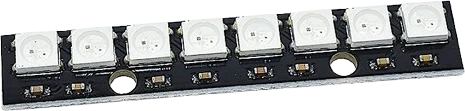
A NeoPixel strip is a flexible chain of individually addressable RGB LEDs. Each pixel is a WS2812B, a 5050-size package that integrates a red, a green, and a blue LED die together with a control IC, a data latch, and a signal-reshaping circuit. The whole strip is driven from a single microcontroller data pin, and strips are sold on cuttable flex PCBs so density (for example 30, 60, or 144 LEDs per meter) and length can be chosen to fit the build.
The pixels are controlled with a single-wire NZR protocol running at 800 Kbps. Each pixel expects 24 bits of color (8 bits each for green, red, and blue, in GRB order), giving 256 brightness levels per channel and 16,777,216 colors. The first pixel keeps its own 24 bits, reshapes the waveform, and forwards the remaining data out of DOUT into the next pixel's DIN, so the chain self-propagates without added buffers. After the last bits are sent, a reset (low for more than 50 microseconds) latches the new colors to the LEDs.
The strip runs on 5V, and each pixel can draw up to about 60mA at full-white brightness. A 30-LED segment can therefore pull roughly 1.8A, so power budgeting and an adequately rated 5V supply matter as strips get longer. Because logic and power share the same 5V rail, driving the data line from a 3.3V board is marginal and usually needs a level shifter.
Every specification is cited to its source.
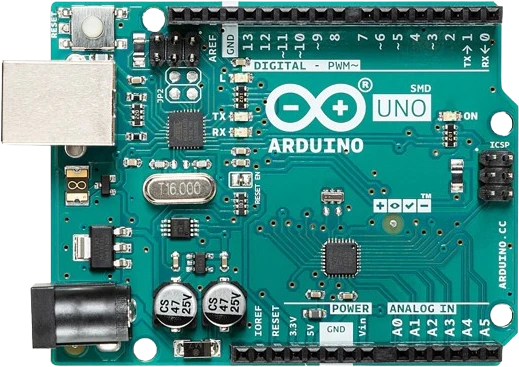
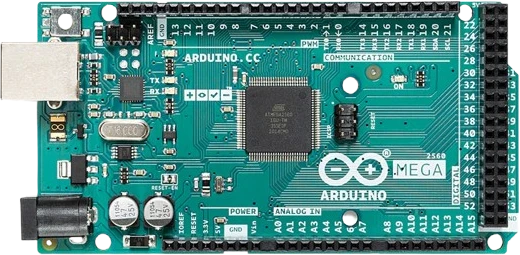
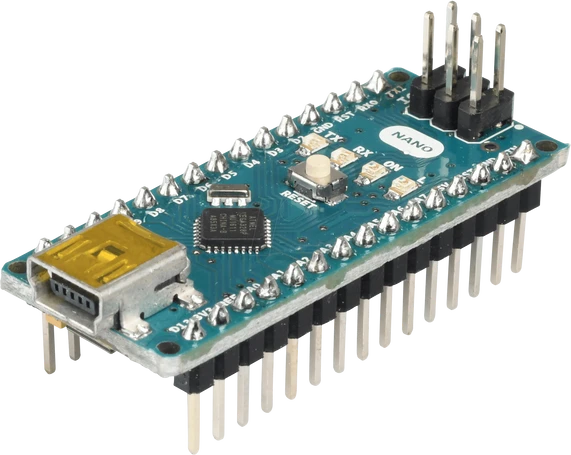
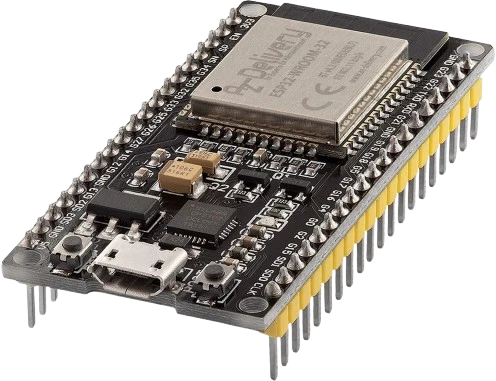
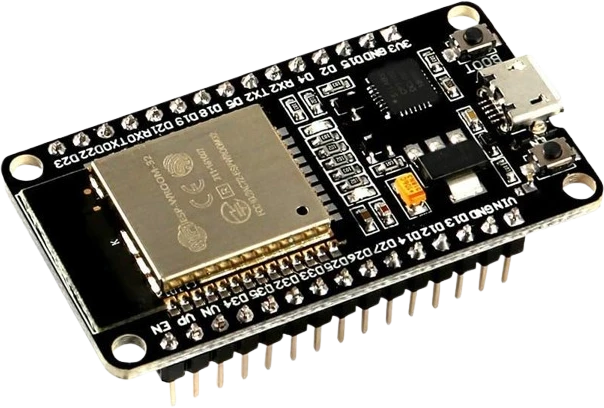
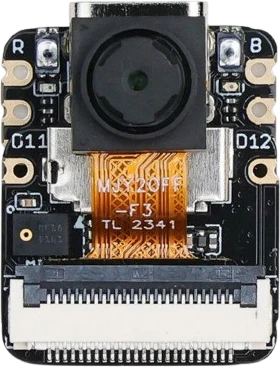
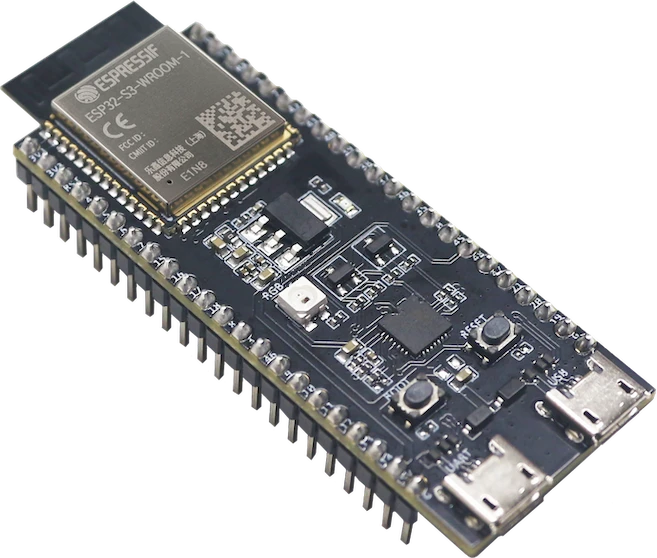
The NeoPixel Strip connects to any of the microcontrollers supported in Tinkered.
Data only moves from DIN to DOUT. If the strip stays dark, check the direction arrow and make sure the microcontroller drives the DIN end, not DOUT.
A 3.3V data line barely meets the 0.7 x VDD high threshold. It may work on a short bench setup and then glitch on longer strips. Use a 74AHCT125 or 74HCT245 level shifter to get a clean 5V data signal.
At 60mA per pixel a full-brightness strip draws amps, far more than an Arduino 5V pin can supply. Powering a long strip from the board's regulator causes brownouts and flicker. Use a properly rated 5V supply.
Without the ~330 ohm data resistor and the bulk capacitor across the power terminals, the first pixel can be damaged by spikes and the strip can behave erratically at power-up.
WS2812B pixels take data in GRB order. Configuring the library for RGB swaps red and green, so a command for red shows up as green until the color order is set correctly.
Cut a strip to length and run color-fade or breathing animations for backlighting a monitor, shelf, or gaming setup.
Map audio levels from a microphone or line-in to a moving VU-style bar or spectrum display along the strip.
Use individual pixels as indicators for build status, timers, sensor thresholds, or a countdown, each set to its own color.
Sew or mount short segments into costumes, badges, and signs for animated patterns driven by a small 5V microcontroller.
Drop the NeoPixel Strip into a circuit, write firmware, and simulate it in your browser, then deploy to real hardware. All in one editable Tinkered project.