The Wokwi alternative, from simulation to a real board.
Wire your circuit on a 3D breadboard and run your Arduino, ESP32 or Pico code on simulated chips. Test the analog side in SPICE, then let the AI turn it into a circuit board you can order and a case to print.
On Wokwi’s free plan, every project is public. SourceChecked

Your circuit, the board it becomes, and its case.
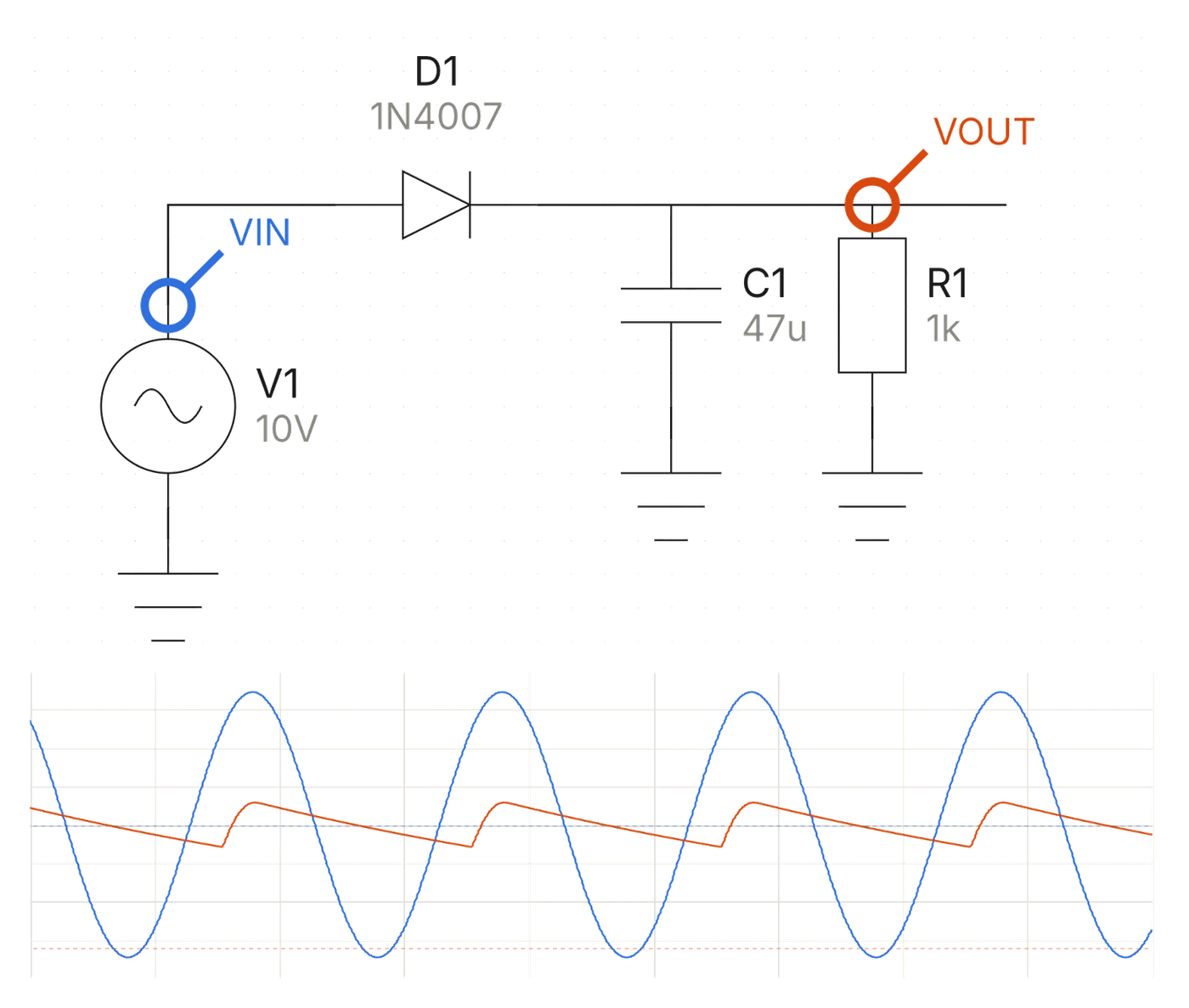
- Analog circuits in SPICEDraw the circuit or let the AI draw it, then probe any node and watch it on the scope.
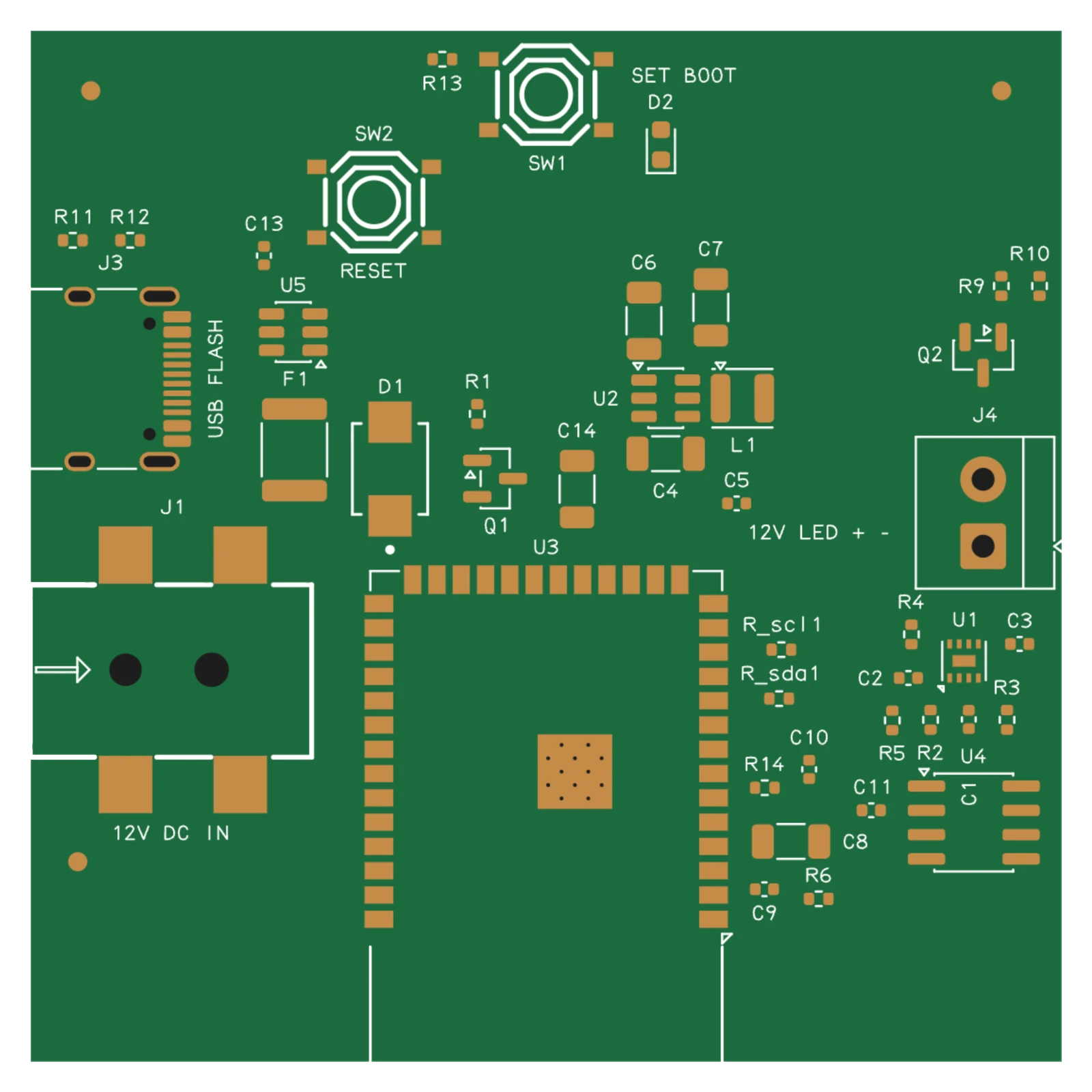
- Then a circuit boardThe AI picks real parts, places and routes the board, and writes the files to order it.
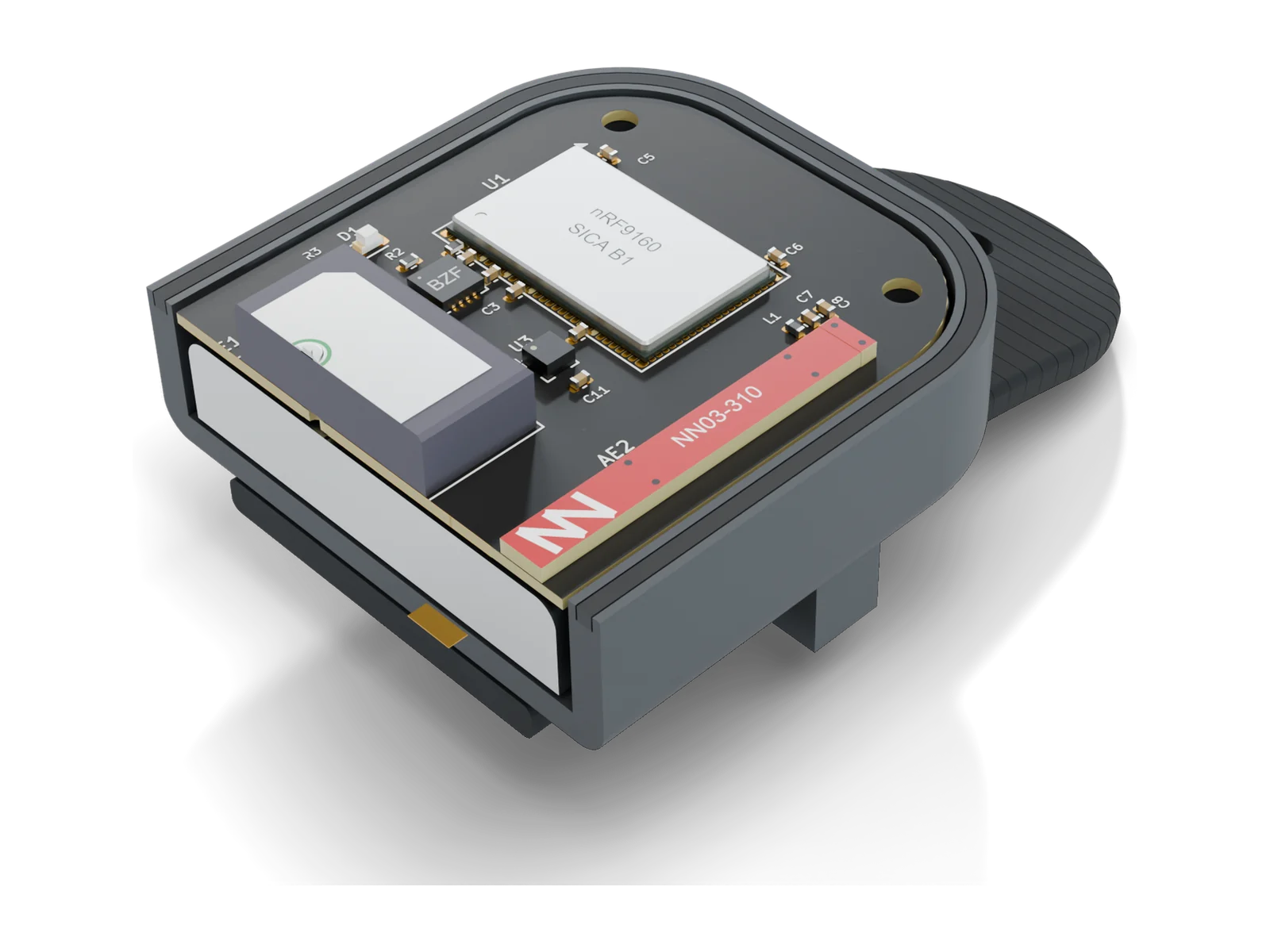
- And a case around itA 3D-printable case shaped to the board, every plug, button and light checked for fit.
Wokwi vs Tinkered, side by side.
Both run your firmware on simulated chips in the browser. Here is what each one does.
| Feature | Wokwi | Tinkered |
|---|---|---|
| To start | Free, with every project public. Unlisted projects need a paid plan. [1] | Free to start. |
| Runs on | The browser, and VS Code on the Hobby+ and Pro plans. [1] | The browser, on Mac, Windows, Linux or Chromebook. |
| Boards | AVR (Uno, Nano, Mega, ATtiny85), ten ESP32 chips, among them the S3, C3, C6, H2 and P4 (some in beta), three STM32 chips, and the Pico, Pico W, Pico 2 and Pico 2 W. [2] | Arduino Uno, Nano, Mega, UNO R4 and Nano R4; ESP32, ESP32-S3 and ESP32-C3 boards; ESP8266 boards; the Pico, Pico W, Pico 2 and Pico 2 W; STM32 Blue Pill, Black Pill and Nucleo boards. |
| Breadboard | A 2D diagram of the board and its parts. | A 3D breadboard, and perfboard and stripboard layouts with a soldering guide. |
| Analog | No SPICE or analog circuit simulation in its docs. [6] | A schematic editor with SPICE, an oscilloscope and rule checks. |
| Wireless | Virtual Wi-Fi. [1] | Wi-Fi and MQTT on ESP32, ESP8266, Pico W and UNO R4 WiFi boards; Bluetooth LE on ESP32 boards and the UNO R4 WiFi. |
| Testing | Wokwi CI runs firmware tests in GitHub Actions, GitLab CI and others, with 50 minutes of simulation time per 30 days free. [3] | Your code runs in the studio on the circuit you wired, with its serial monitor and MQTT panel, and the analog side in SPICE with an oscilloscope. |
| AI | Agent skills and an experimental MCP server let your own AI coding agent run and test firmware. [4, 5] | A built-in AI that wires the circuit, writes and runs the firmware, then designs the board and its case. |
| Circuit boards | None in its docs. [6] | The AI picks real parts, places, routes and checks the board, then writes KiCad files and the Gerbers, drill, BOM and placement files for JLCPCB, PCBWay, Elecrow or Seeed Fusion. |
| Enclosure | None in its docs. [6] | A 3D-printable case designed around the board, its fit checked. |
| Best for | Firmware tests already set up in Wokwi CI. | Simulating a circuit, then making it real: a board to order and a case to print, free to start. |
- Parts side, running
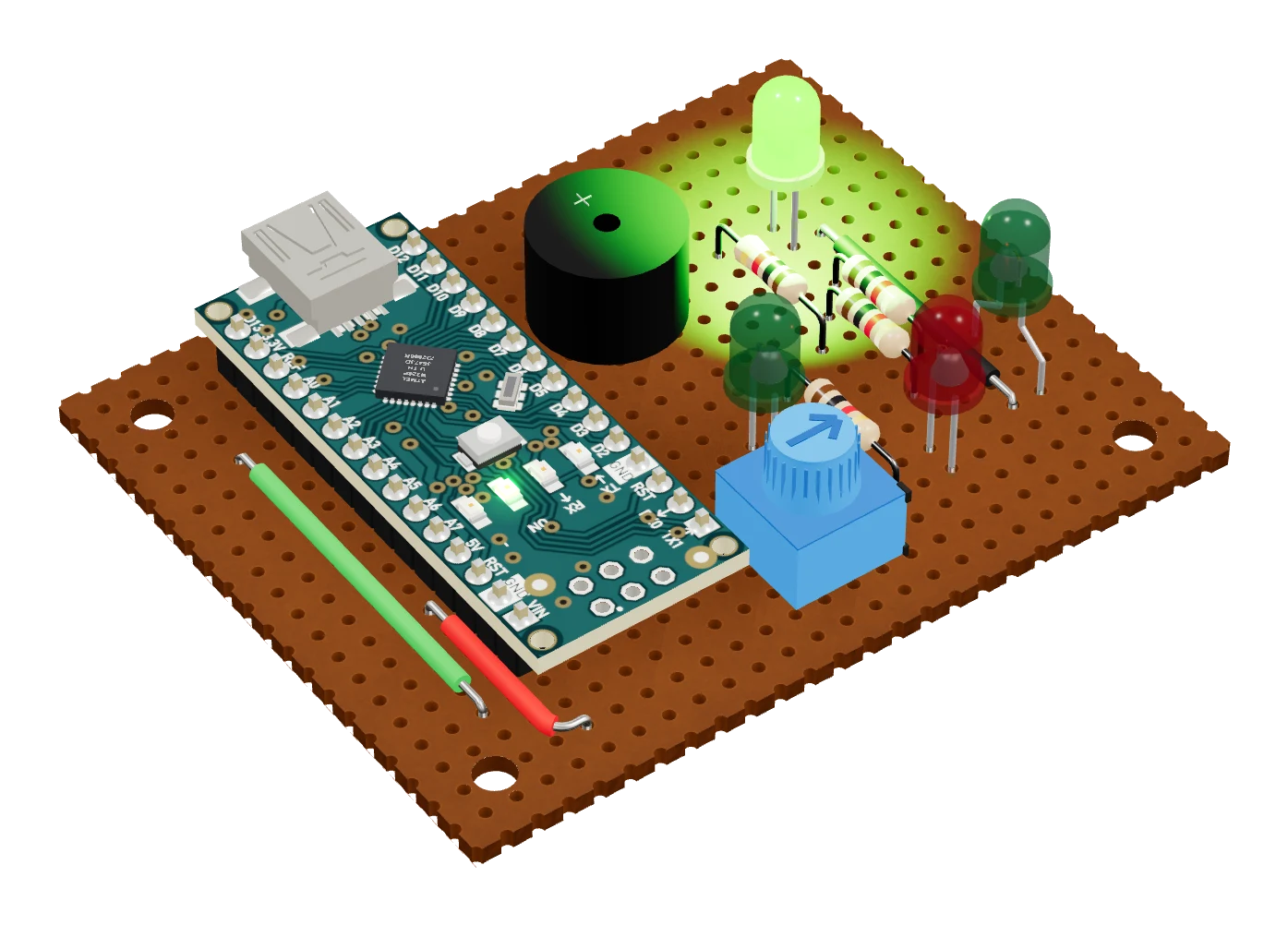
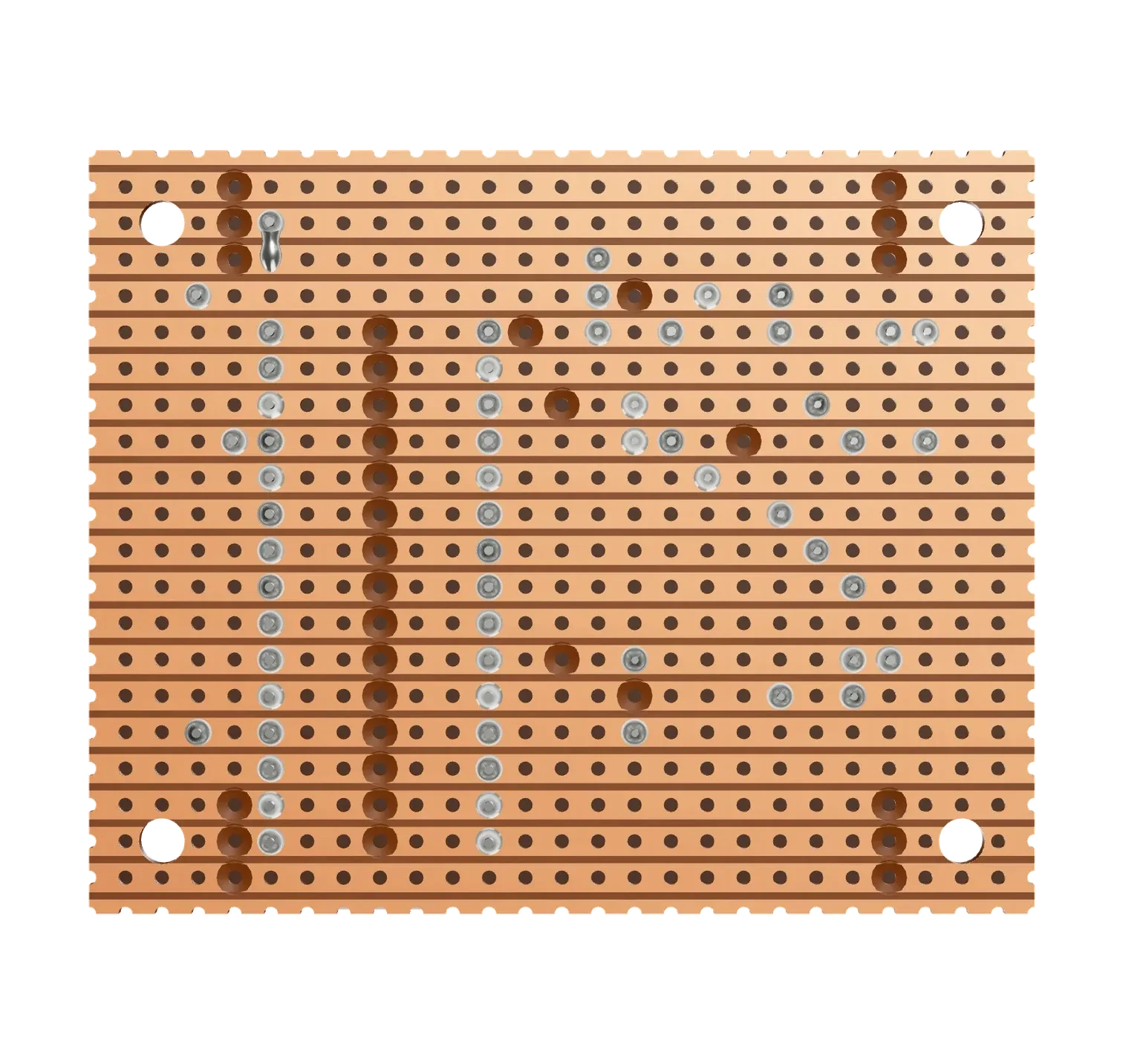
- Solder side
Switching from Wokwi.
Bring the circuit and the code. Tinkered rebuilds the project.
- Describe itTell Tinkered what the circuit does and paste your sketch, or list the parts.
- Run itTinkered wires the breadboard, compiles the code and runs it on the simulated board.
- Make itSolder it on perfboard, or order a circuit board and print its case.
Questions, answered.
Is Wokwi free?
On Wokwi’s free Community plan, every project is public. Unlisted projects, the VS Code extension and more CI time need a paid plan. Tinkered is free to start and runs in your browser.
Is there a free online alternative to Wokwi?
Yes. Tinkered is free to start and runs in the browser. It runs Arduino, ESP32, ESP8266, Raspberry Pi Pico and STM32 code on simulated chips on a 3D breadboard, simulates analog circuits in SPICE, and turns the project into a circuit board and a case.
Is there a Wokwi alternative for ESP32 and Raspberry Pi Pico?
Yes. Tinkered runs ESP32, ESP8266 and Pico firmware in its 3D studio, with Wi-Fi and MQTT on the boards that have Wi-Fi and Bluetooth LE on ESP32 boards, alongside the sensors, displays and motors you wire to them.
Can Tinkered simulate analog circuits?
Yes. Its schematic editor runs SPICE, with an oscilloscope, sweeps and rule checks, so you can test a filter, a power supply or a sensor front end before you build it.
Can Tinkered open Wokwi projects?
Not directly. Describe the circuit and paste your sketch, and Tinkered wires it on the breadboard and runs the code.
Can I turn my simulation into a real board?
Yes. Tinkered lays the circuit out on perfboard or stripboard, or its AI designs a circuit board with real parts and checks it, and writes KiCad files and the files JLCPCB, PCBWay and other fabs need, then designs a case to print.