The Flux alternative, free to start.
Describe what you are building. Tinkered’s AI picks real parts, draws and checks the schematic, places and routes the board, writes firmware you can test on a simulated chip and designs a 3D-printable case. Keep the KiCad project and your manufacturer’s files.
After Flux’s 7-day trial, editing private projects, exporting and AI need a paid plan. SourceChecked

The board, the code that runs on it, and the case around it.
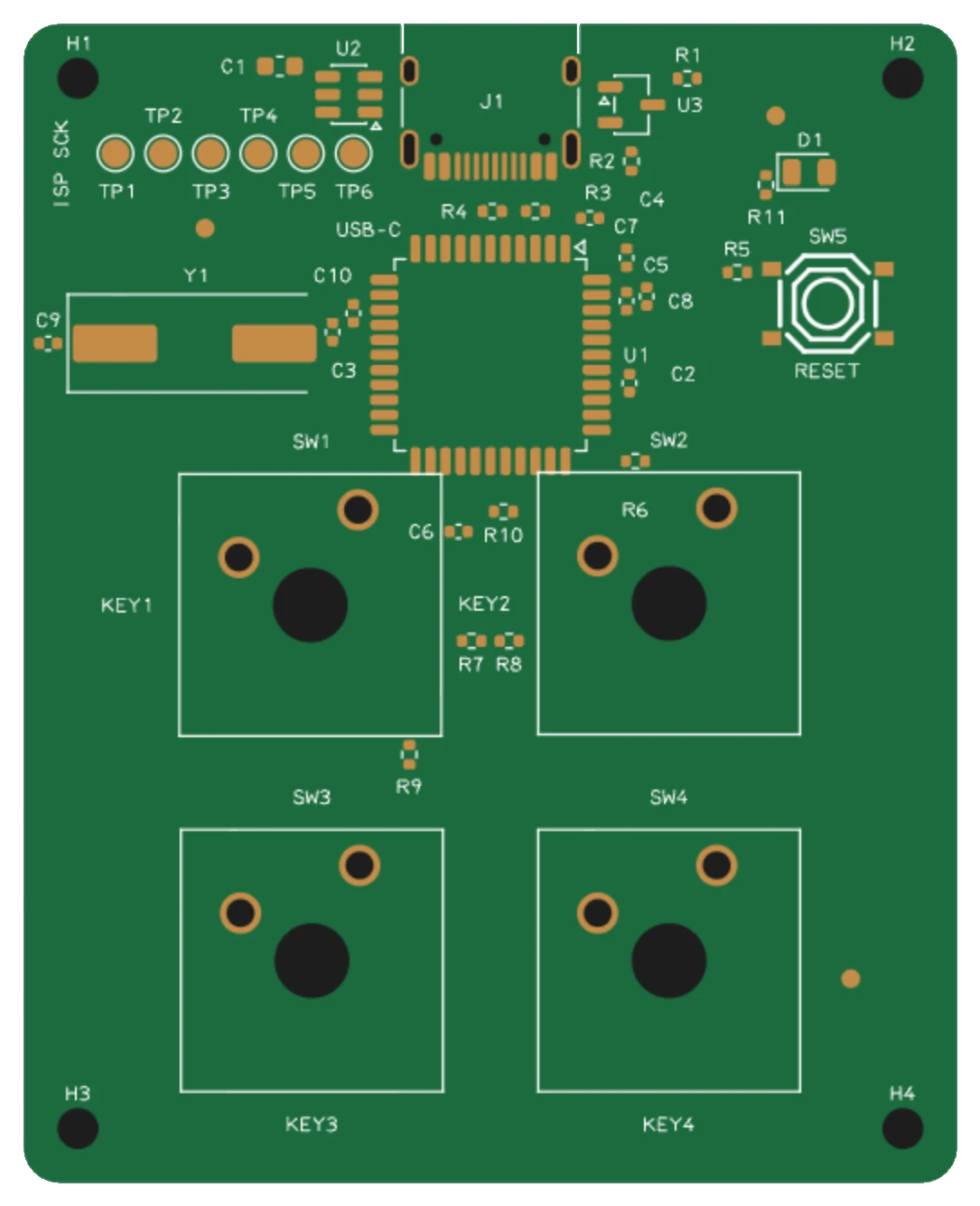
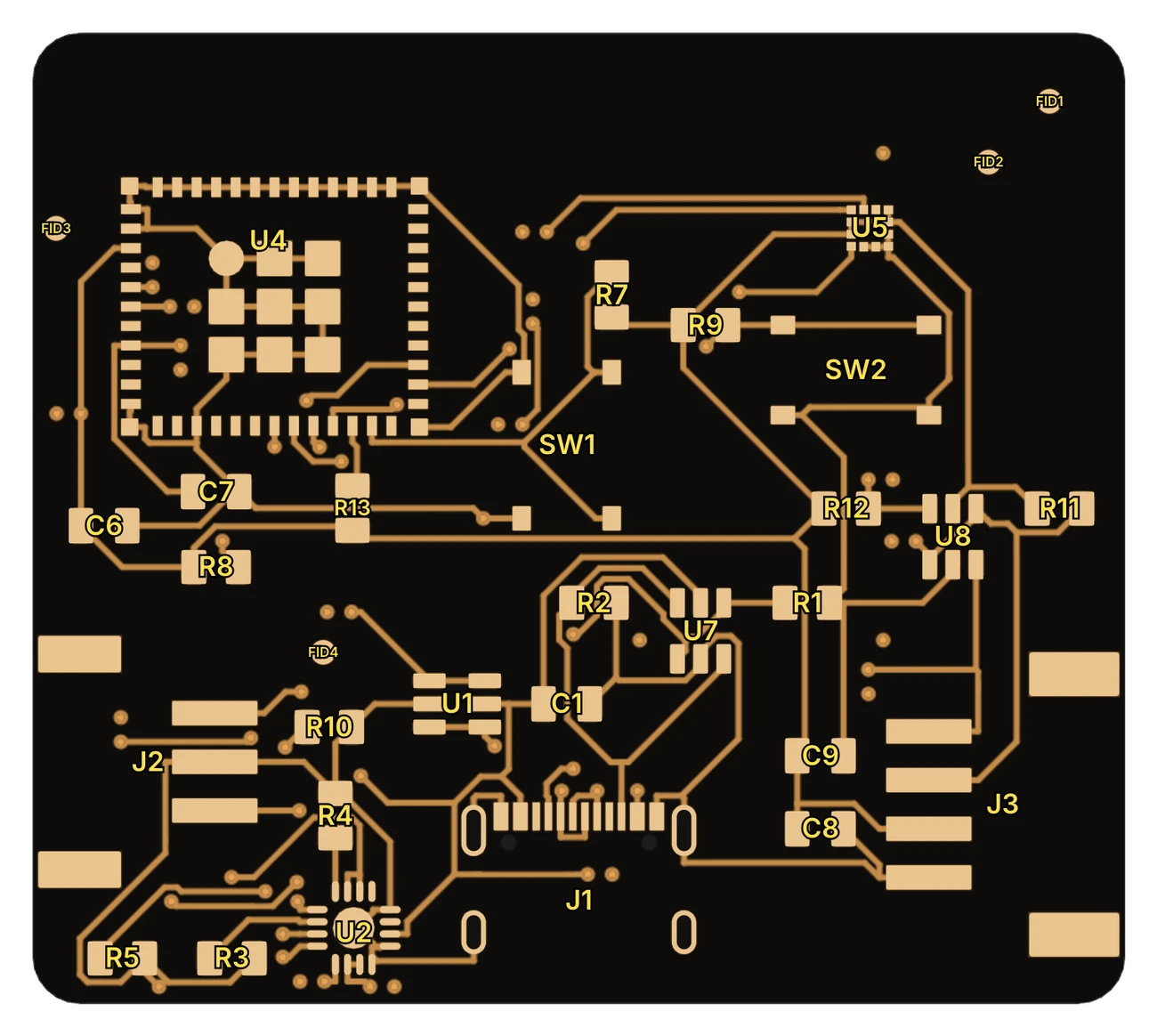
- Boards designed for youReal parts, placed and routed, then checked: design rules, electrical rules, copper widths and heat.
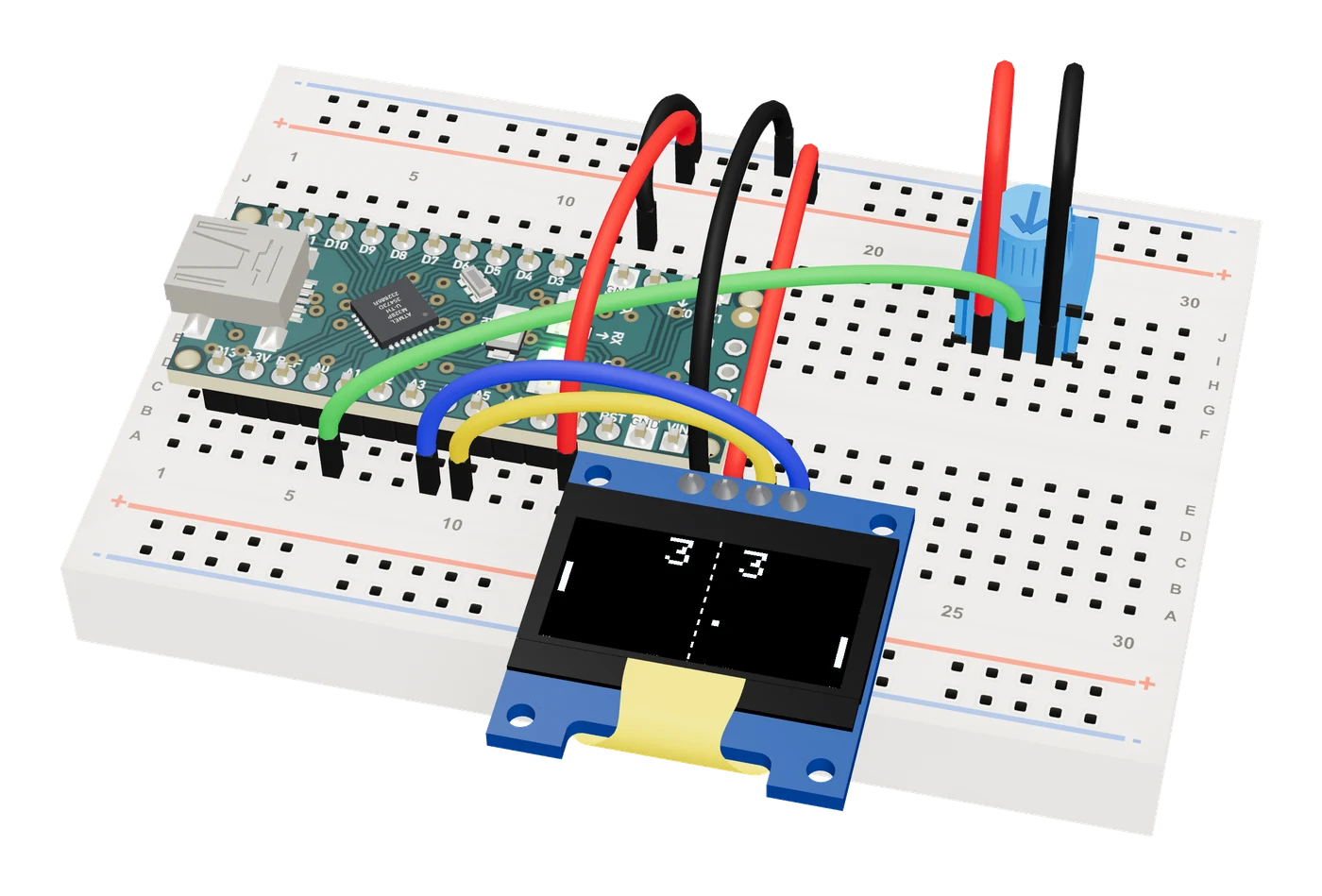
- Firmware you can testThe AI writes the code, and you watch it run on a simulated chip before anything is made.
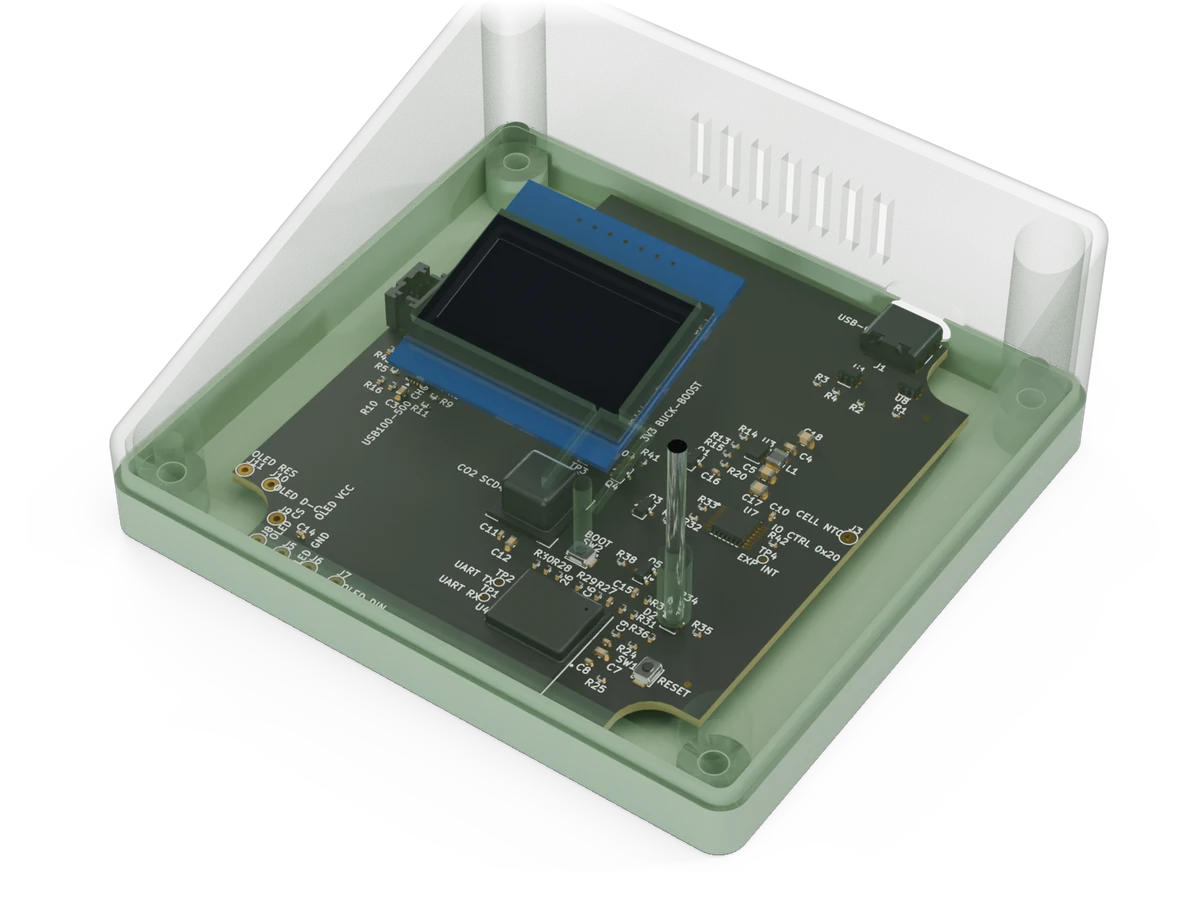
- A case around the boardA 3D-printable case shaped to the board, every plug, button and light checked for fit.
Flux vs Tinkered, side by side.
Both design circuit boards with AI in the browser. Here is what each one does.
| Feature | Flux | Tinkered |
|---|---|---|
| To start | A 7-day trial, then a paid plan to edit private projects, export and use AI. [1] | Free to start. |
| Runs on | The browser, with real-time collaboration built in. [2] | The browser, on Mac, Windows, Linux or Chromebook. |
| AI | An AI agent that turns an idea into a schematic, a routed board and fab-ready files. Agent mode is metered in Agent Compute Units. [2, 1] | An AI agent that takes your words to a product: parts, schematic, analyses, placement, routing, firmware and case. |
| Simulation | SPICE, plus signal and power integrity, thermal, RF and mechanical analyses, run from the AI chat. [3] | SPICE in the schematic; power budget, converter losses, ripple, battery life, board heat, I²C and crystal analyses; and your firmware running on simulated Arduino, ESP32, ESP8266, Raspberry Pi Pico and STM32 chips in 3D. |
| Firmware | Its AI writes and builds firmware and runs host unit tests. You flash the board with a command it gives you. [4] | The AI writes and compiles the firmware, runs it on a simulated chip wired to your circuit, and flashes supported boards from the browser. |
| Imports | KiCad, Altium, EAGLE, EasyEDA, OrCAD, PADS and more. [5] | A KiCad, Altium, EAGLE, PADS or EasyEDA design as a reference to build from, and any BOM. |
| Exports | Manufacturing files, BOM, pick and place, ODB++, IPC-2581 and 3D models such as STEP. No KiCad format among them. [6] | Gerbers, drill, BOM and placement files for JLCPCB, PCBWay, Elecrow or Seeed Fusion, an interactive BOM, schematic and assembly PDFs, and the KiCad project to keep. |
| Enclosure | Its AI designs an enclosure, checks fit and clearance, and exports STL. [7] | A 3D-printable case designed around the board, every plug, button and light checked against it. |
| Breadboard | No breadboard view in its docs. [8] | A 3D breadboard where your circuit and its firmware run, and perfboard and stripboard layouts with a soldering guide. |
| Best for | Projects already in Flux’s editor. | Going from an idea to a tested circuit, a checked board ready to order with its KiCad project, its firmware and its case, free to start. |
- As printed
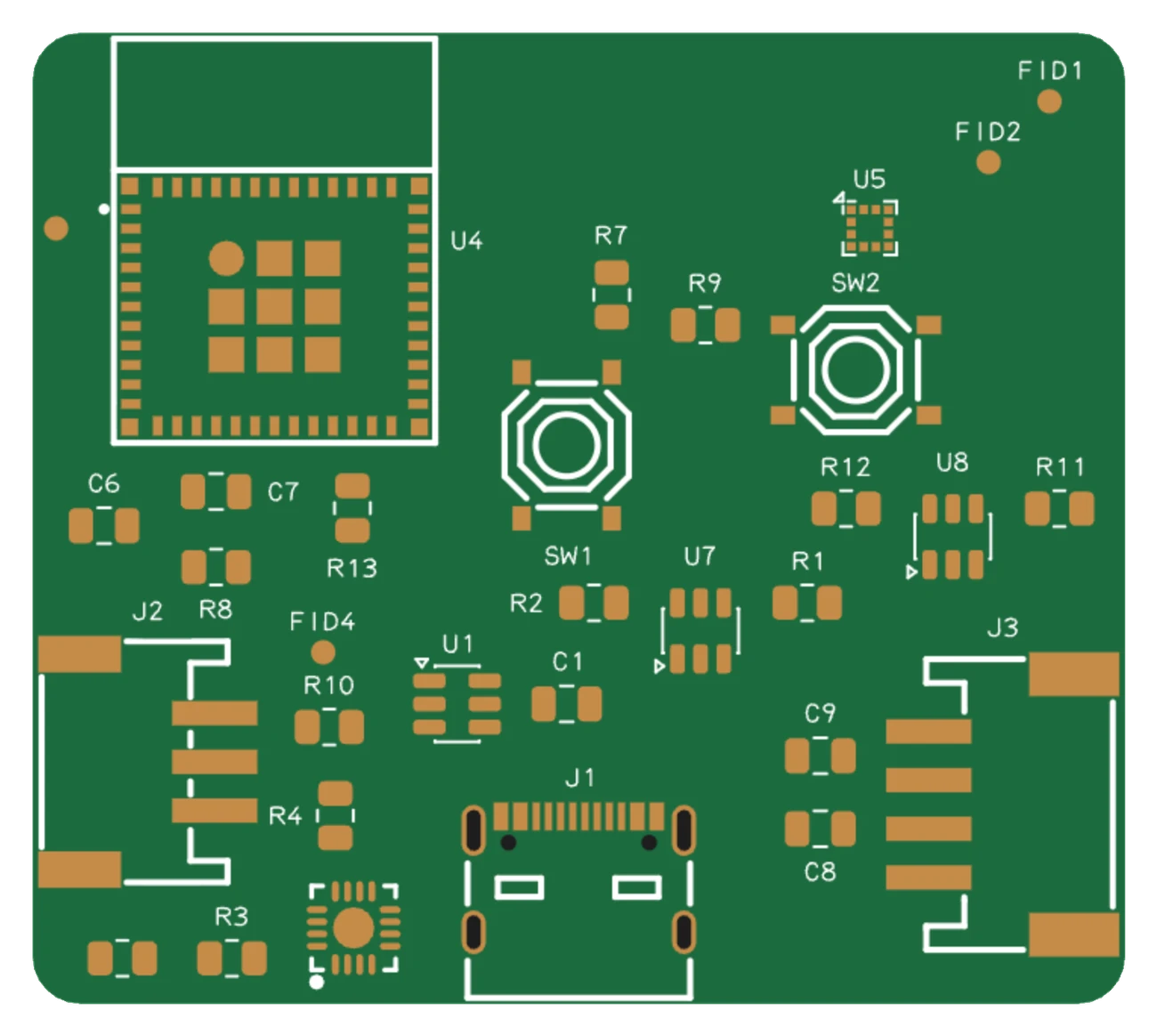
- Copper
Switching from Flux.
Bring its parts list. Tinkered keeps your parts.
- Describe itTell Tinkered what the board does, or list its parts.
- Bring your partsExport the BOM from Flux and unzip it. Tinkered reads it and keeps your parts.
- Make itReview the parts and the schematic, then order the board and print its case.
Questions, answered.
Is Flux.ai free?
Flux offers a 7-day trial of its individual plans. After it, editing private projects, exporting them and using its AI need a paid plan, and your account still opens public projects. Tinkered is free to start and runs in your browser.
Is there a free online alternative to Flux.ai?
Yes. Tinkered is free to start and runs in the browser. Its AI designs the circuit board with real parts, checks it, and writes the files JLCPCB, PCBWay and other fabs need, with the KiCad project. It also writes firmware you test on a simulated chip and designs a 3D-printable case around the board.
Can I export KiCad files from Tinkered?
Yes. Every board comes with its KiCad project, next to the Gerbers, BOM and placement files for your manufacturer.
Can Tinkered import my Flux project?
Not directly. Export the BOM from Flux and Tinkered keeps those parts, then describe what the board does and the AI designs it.
Does Tinkered pick real parts?
Yes. Every part on a Tinkered board is a real, orderable part with its LCSC code or manufacturer part number, and its pins are checked against its datasheet and its library symbols before the fab files are written.
Can I test the firmware before ordering the board?
Yes. The AI writes and compiles the firmware, and you can run it on simulated Arduino, ESP32, ESP8266, Raspberry Pi Pico and STM32 boards wired as your circuit in the 3D studio.