The Fritzing alternative that runs in your browser.
Wire your circuit on a 3D breadboard and watch it run your Arduino, ESP32 or Pico code. Then take it to a schematic, a board to solder or order, and a case. Nothing to install.
Fritzing’s official installers cost at least €8 to download. SourceChecked

Everything you used Fritzing for, and what comes next.
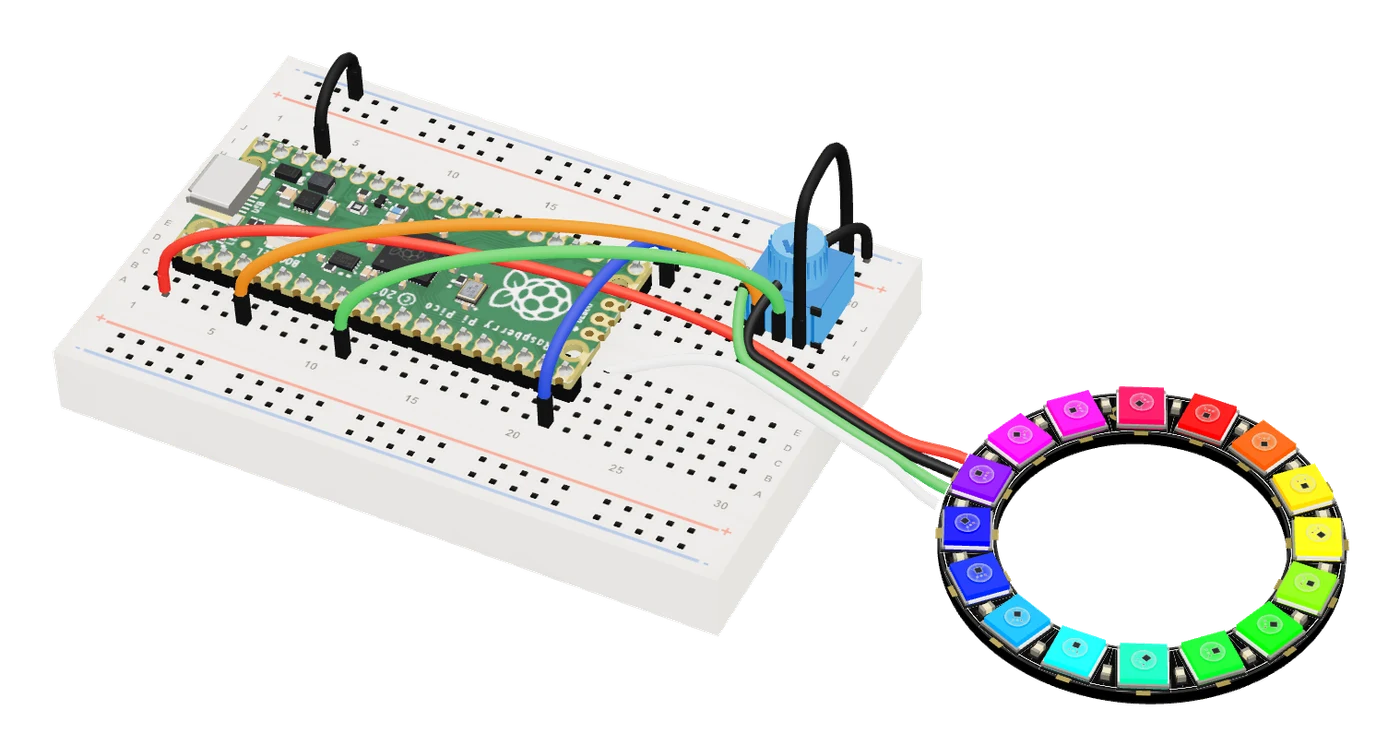
- Breadboards that runYour Arduino, ESP32 or Pico code running on the parts you wired.
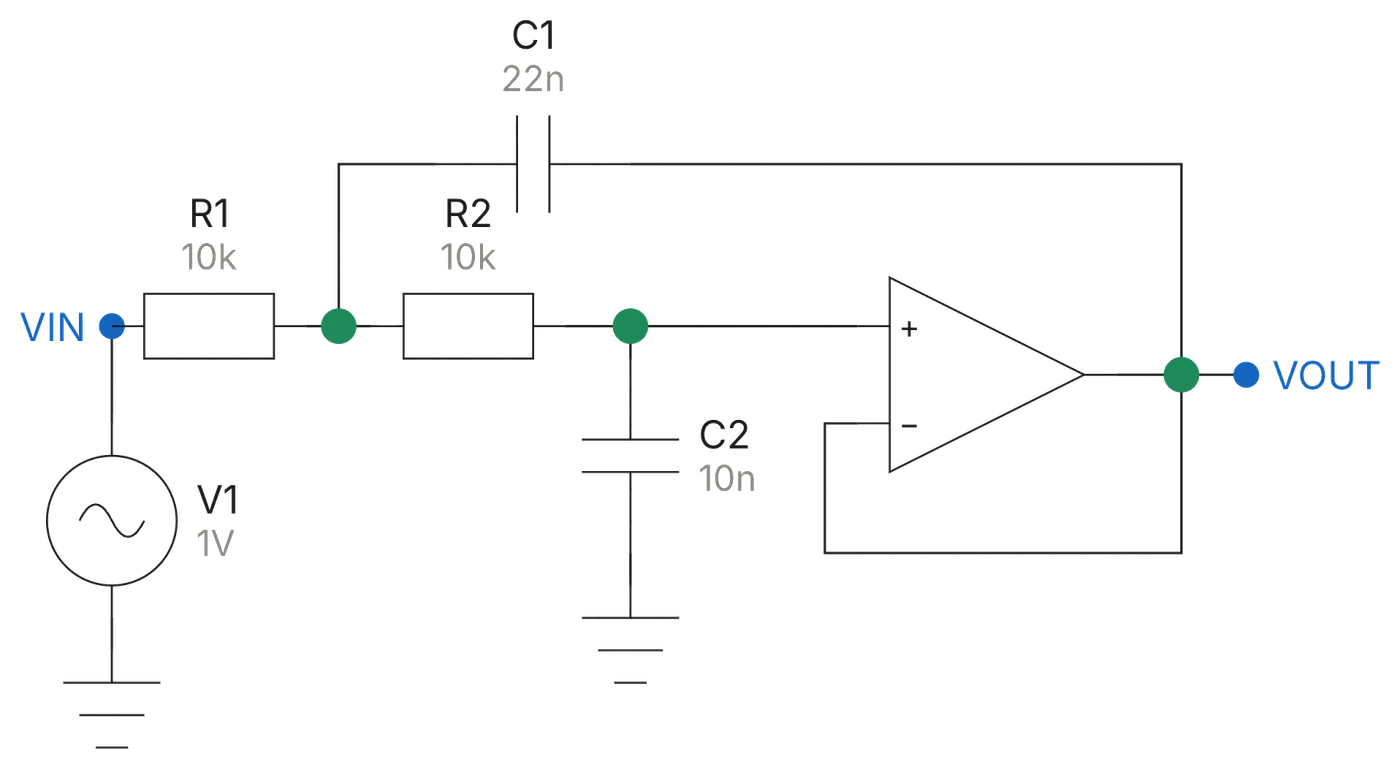
- Schematics with SPICEDraw it, or let the AI draw it, then test it with real SPICE.
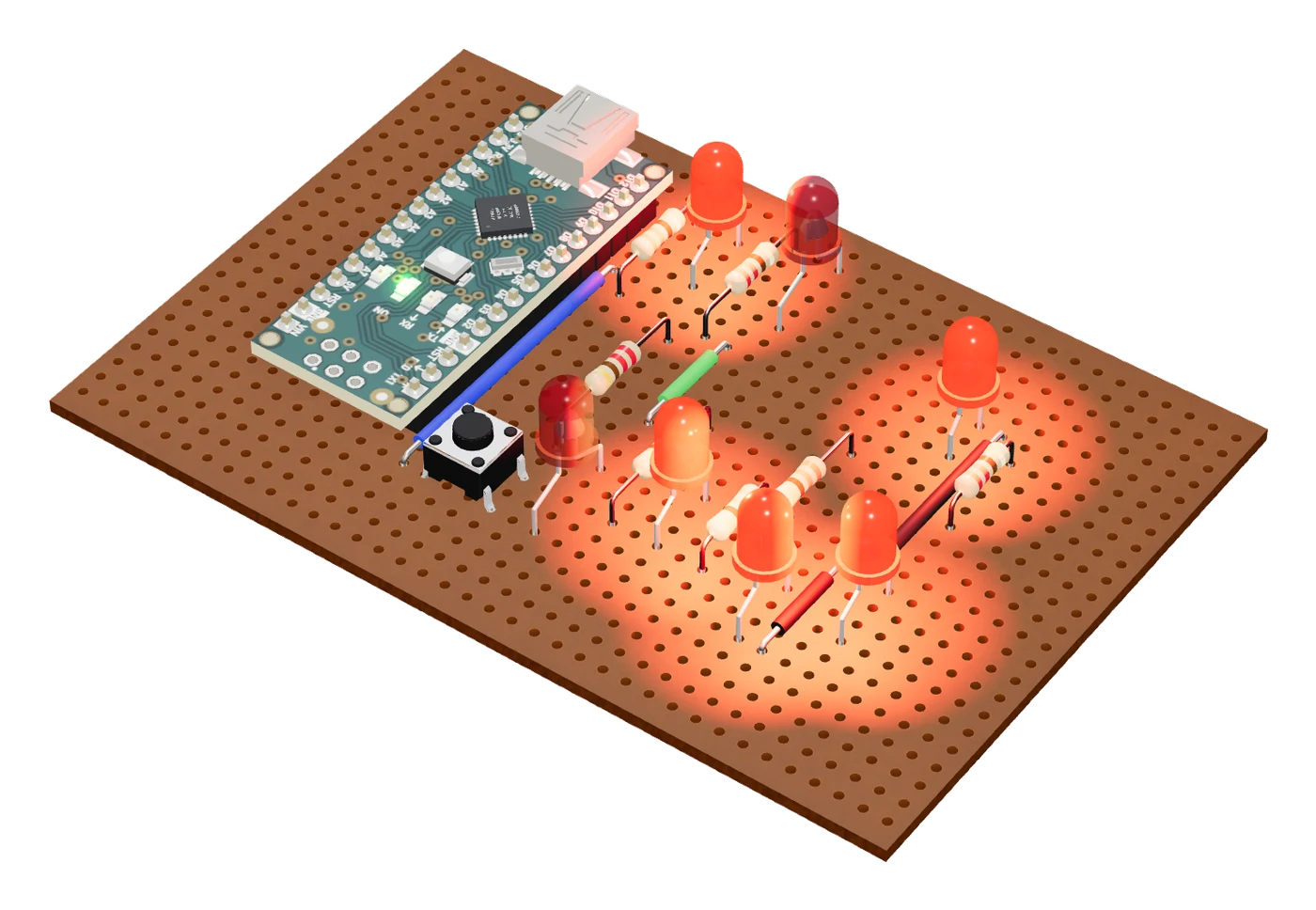
- Perfboard and stripboardEvery part placed and every strip cut, with a guide in the order you solder.
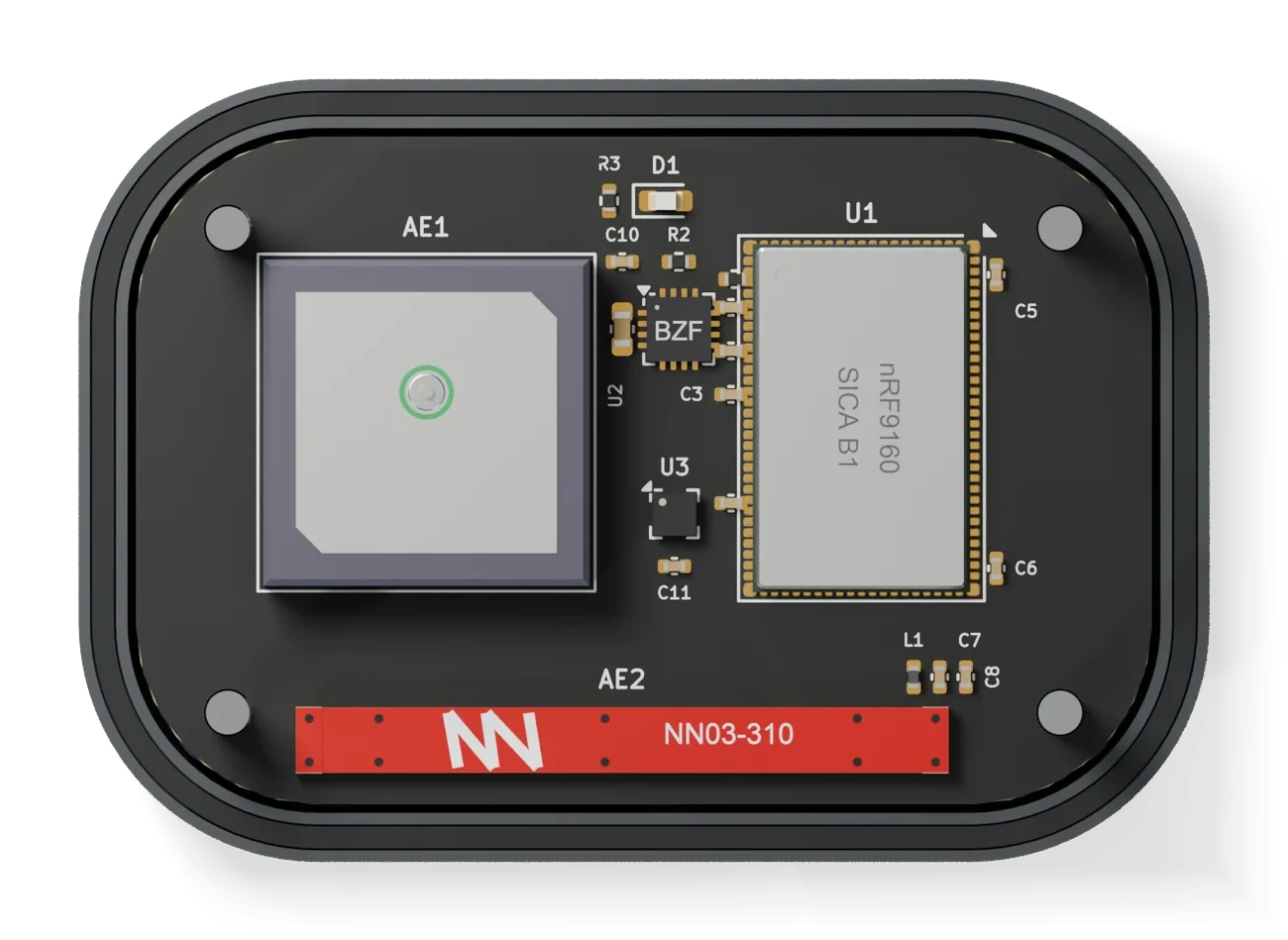
- Circuit boards to orderA checked board with real parts and the files your manufacturer needs.
Fritzing vs Tinkered, side by side.
Both are made for makers. Here is what each one does.
| Feature | Fritzing | Tinkered |
|---|---|---|
| To start | At least €8 for the official installers. The source code is free to build. [1, 2] | Free to start. |
| Runs on | A desktop app for Windows, macOS and Linux, now also on Raspberry Pi. [3] | Any browser on Mac, Windows, Linux or Chromebook. Nothing to install. |
| Breadboard | A 2D breadboard view, with perfboard and stripboard parts. | A 3D breadboard, and perfboard and stripboard layouts with a soldering guide. |
| Schematic | A schematic view. | A schematic with SPICE simulation, an oscilloscope and rule checks. |
| Simulation | A built-in SPICE simulator for DC and transient analysis of simple circuits. Microcontroller code does not run. [4] | Your firmware runs on simulated Arduino, ESP32, ESP8266, Raspberry Pi Pico and STM32 chips, with Wi-Fi and MQTT, and Bluetooth LE on ESP32 boards and the UNO R4 WiFi. |
| Code | A code view that uploads sketches to an Arduino. [4] | The AI writes and compiles your firmware, and flashes supported boards from the browser. |
| Parts | A large library of maker parts. | Maker modules for the breadboard, and real, orderable parts with their LCSC codes or manufacturer part numbers for circuit boards. |
| Circuit boards | A PCB view with an autorouter, Gerber export and ordering through Fritzing Fab. [5] | Describe it. The AI picks real parts, lays out and routes the board, checks its design rules, electrical rules and copper widths, and exports Gerbers, drill, BOM and placement files for JLCPCB, PCBWay, Elecrow or Seeed Fusion, plus KiCad files. |
| Enclosure | None. | A 3D-printable case designed around your board, its fit checked, ready to print. |
| Best for | Breadboard diagrams for documentation. | Building and testing a circuit, then making it real: perfboard or a checked circuit board, its firmware and its case. |
- In 3D
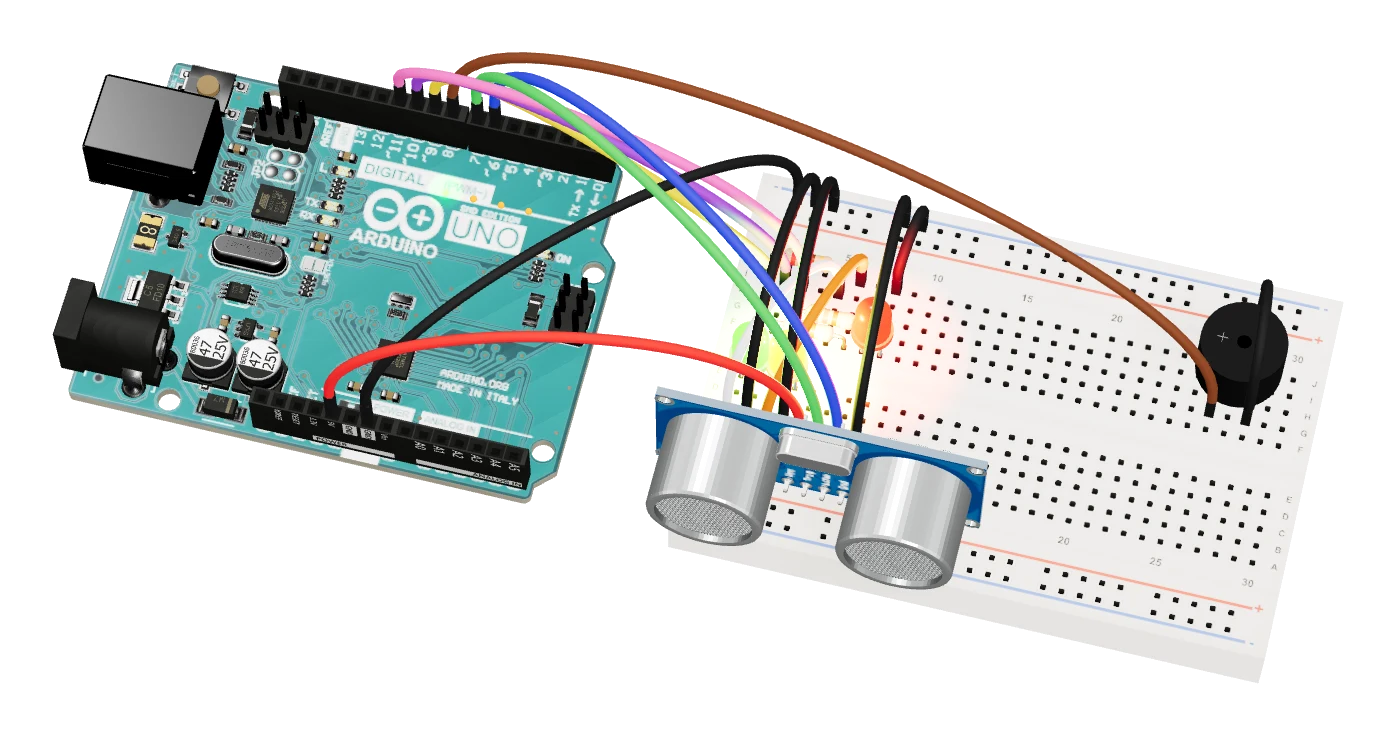
- From above
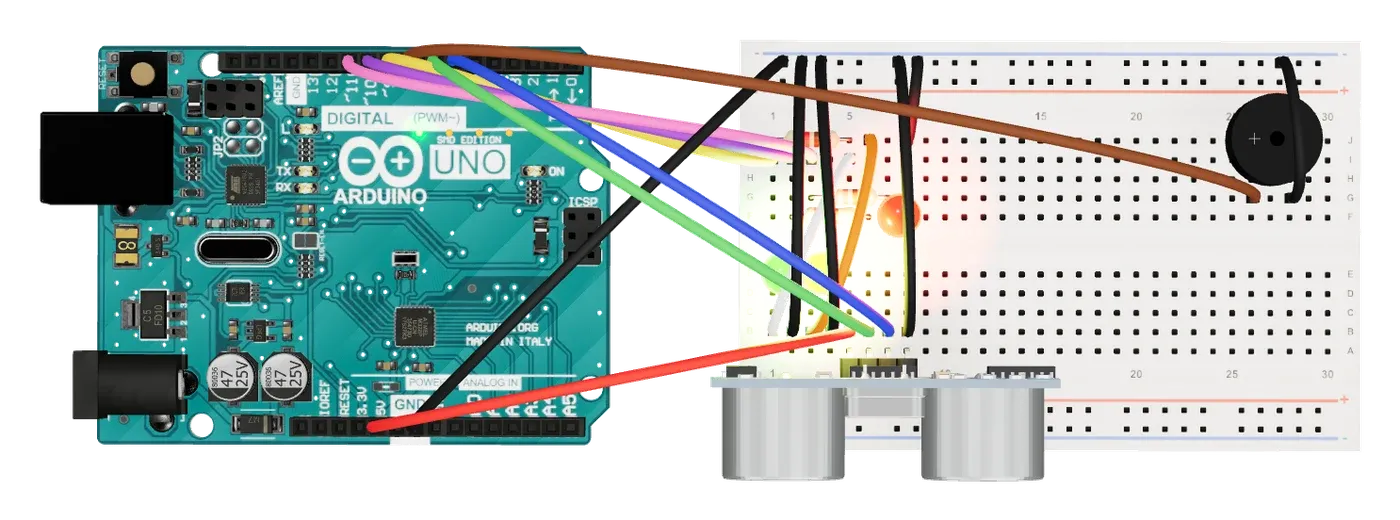
Switching from Fritzing.
Describe the circuit or list its parts. Tinkered rebuilds it.
- Describe itTell Tinkered what the circuit does, or list its parts.
- Review itTinkered wires the breadboard and draws the schematic, checks both, and you look them over.
- Make itSimulate it, then make a perfboard, a circuit board or a case.
Questions, answered.
Is Fritzing free?
Fritzing is open source, and its source code is free to build. Its official installers cost at least €8. Tinkered is free to start and runs in your browser, so there is nothing to download.
What is a free online alternative to Fritzing?
Tinkered is a free-to-start Fritzing alternative that runs in the browser. You wire circuits on a 3D breadboard, run real Arduino, ESP32 or Pico firmware on simulated chips, check a schematic with SPICE, and turn it into perfboard, stripboard or a circuit board ready to order from JLCPCB, PCBWay, Elecrow or Seeed Fusion.
Can Tinkered open Fritzing (.fzz) files?
Not directly. Describe the circuit or list its parts and Tinkered wires it on a breadboard and draws its schematic, then checks them.
Is there a Fritzing alternative for Mac?
Yes. Tinkered runs in the browser on Mac, Windows, Linux and Chromebook, with nothing to install.
Can I simulate Arduino code online?
Yes. Your sketch runs as real firmware on a simulated chip in the 3D studio: Arduino Uno, Nano, Mega and UNO R4, ESP32, ESP8266, Raspberry Pi Pico and STM32 boards, with Wi-Fi and MQTT, and Bluetooth LE on ESP32 boards and the UNO R4 WiFi.
Can I make a circuit board from my breadboard circuit?
Yes. Tinkered’s AI designs the board with real parts, checks it, and writes the files JLCPCB, PCBWay, Elecrow and Seeed Fusion need, with its KiCad project. It can also lay the circuit out on perfboard or stripboard.
Can Tinkered upload code to my real Arduino?
Yes. It compiles your sketch and flashes supported boards, such as the Arduino Uno, Nano and Mega and the Raspberry Pi Pico, straight from the browser.