The EAGLE alternative, free to start in your browser.
Bring your EAGLE board, or describe a new one. Tinkered’s AI finds real parts, draws the schematic, places, routes and checks the board, then writes its KiCad project and the files to order it.
Autodesk stopped selling and supporting EAGLE on 7 June 2026. SourceChecked

The board, the code that runs on it, and the case around it.
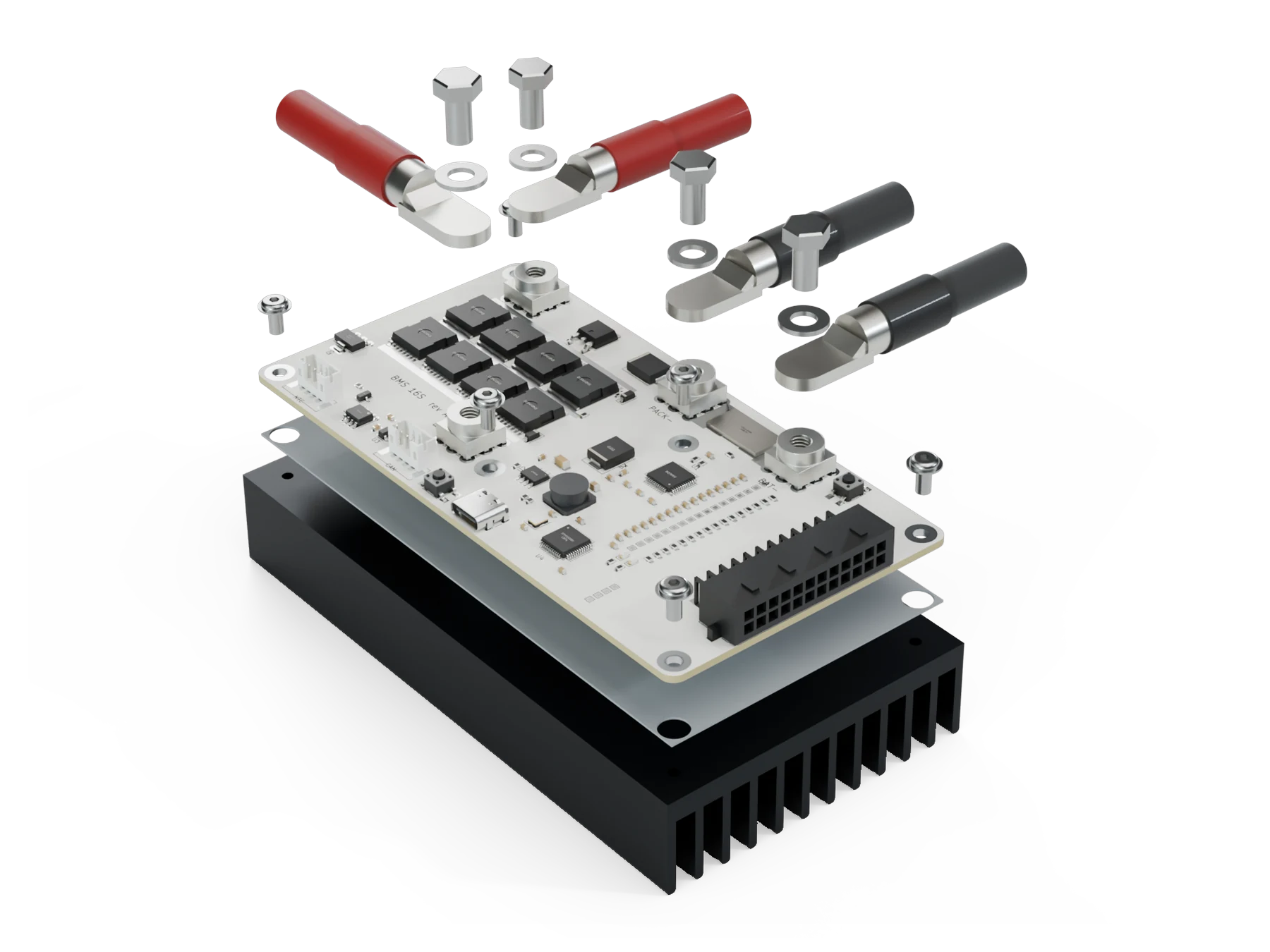
- Every board, verifiedReal parts, copper sized for its current, protection where it is needed, every net routed and checked.
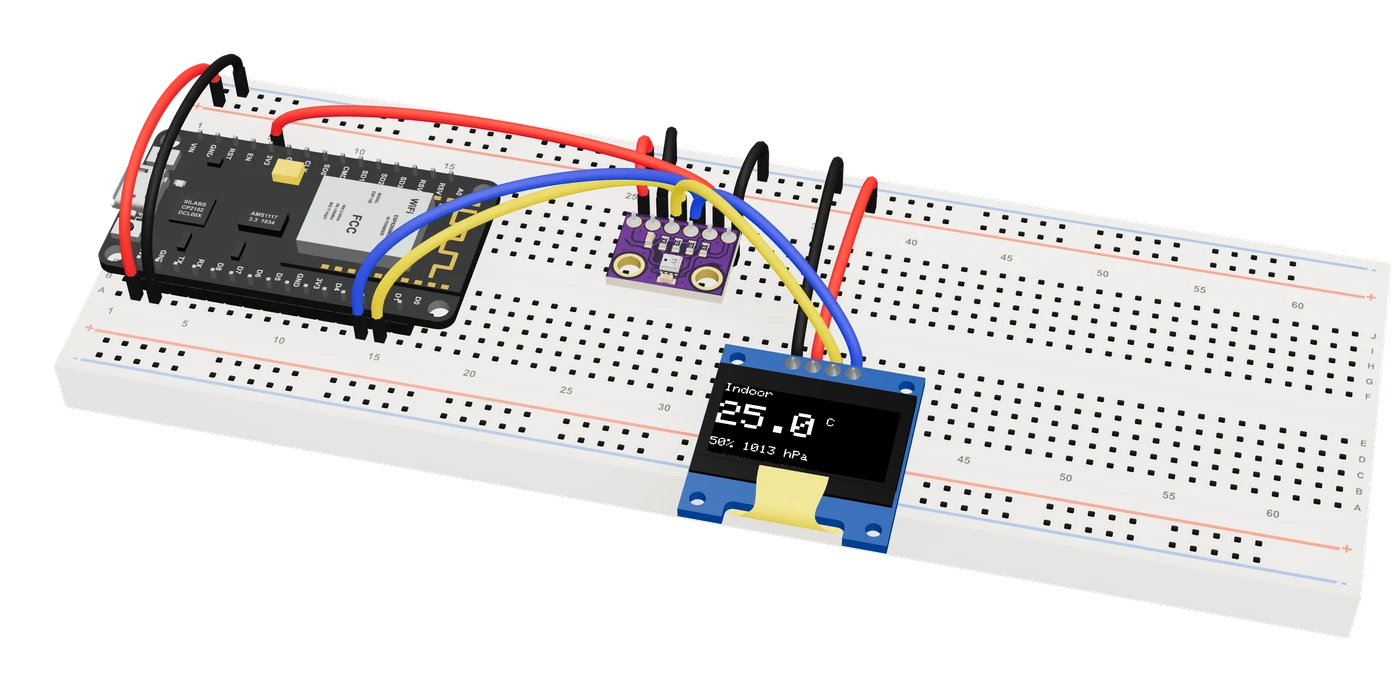
- Firmware tested firstThe AI writes and compiles the code, and you watch it run on a simulated board in 3D before you build.
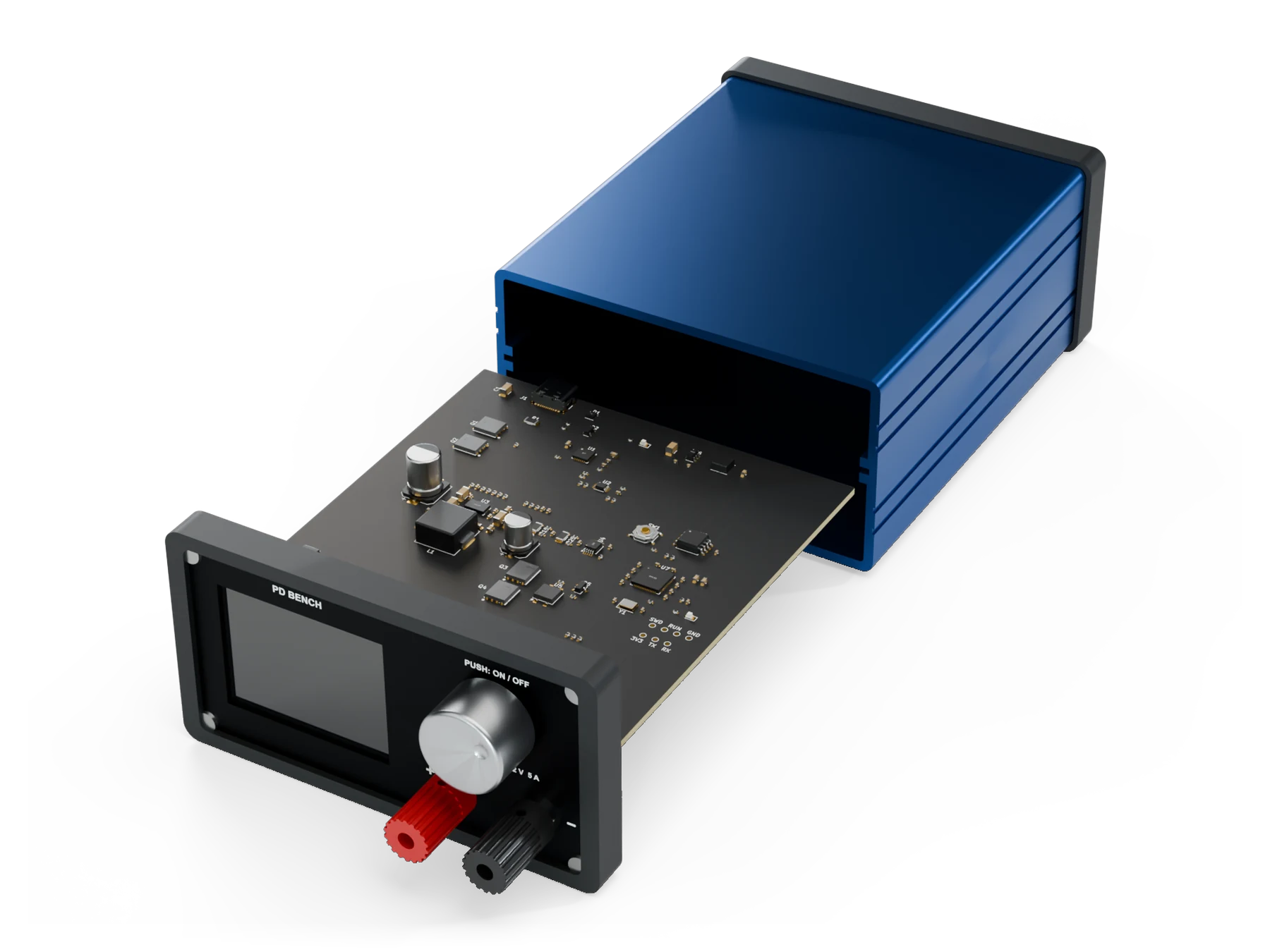
- A case around the boardA case designed around the board, every plug, knob and display checked for fit.
EAGLE vs Tinkered, side by side.
Both design circuit boards. Here is what each one does.
| Feature | EAGLE | Tinkered |
|---|---|---|
| To start | No longer sold or supported since 7 June 2026. [1] | Free to start. |
| Runs on | A desktop app for Windows, macOS and Linux. [1] | Any browser on Mac, Windows, Linux or Chromebook. Nothing to install. |
| Your EAGLE files | Autodesk moves them to Fusion Electronics. [1] | Tinkered reads an EAGLE board (.brd) as the reference it builds from: its parts, nets and placement. |
| Design | A schematic editor and a board editor with an autorouter, scripted with ULPs. [1] | An AI that picks real parts, draws the schematic, places and routes the board, with an editor to move, route and check it by hand. |
| Simulation | SPICE simulation in the schematic, since EAGLE 8.4. [2] | SPICE in the schematic; power budget, converter losses, ripple, battery life, board heat, I²C and crystal analyses; and your firmware running on simulated chips in 3D. |
| Manufacturing | CAM output to Gerber, Excellon and other drill formats. [1] | Gerbers, drill, BOM and placement files for JLCPCB, PCBWay, Elecrow or Seeed Fusion, an interactive BOM, schematic and assembly PDFs, and the KiCad project. |
| Firmware | Not part of it. | The AI writes and compiles the firmware, runs it on a simulated board and flashes supported boards from the browser. |
| Enclosure | None in EAGLE itself. | A 3D-printable case designed around the board, its fit checked. |
| Best for | Opening projects made before 7 June 2026. | Carrying a design forward: real parts, a checked board ready to order, its KiCad project, its firmware and its case. |
- EAGLE on Wikipedia
- Autodesk, SPICE simulation in Autodesk EAGLE
- Checked 18 November 2026.
- As printed
Switching from EAGLE.
Bring your board file. Tinkered rebuilds it with real parts.
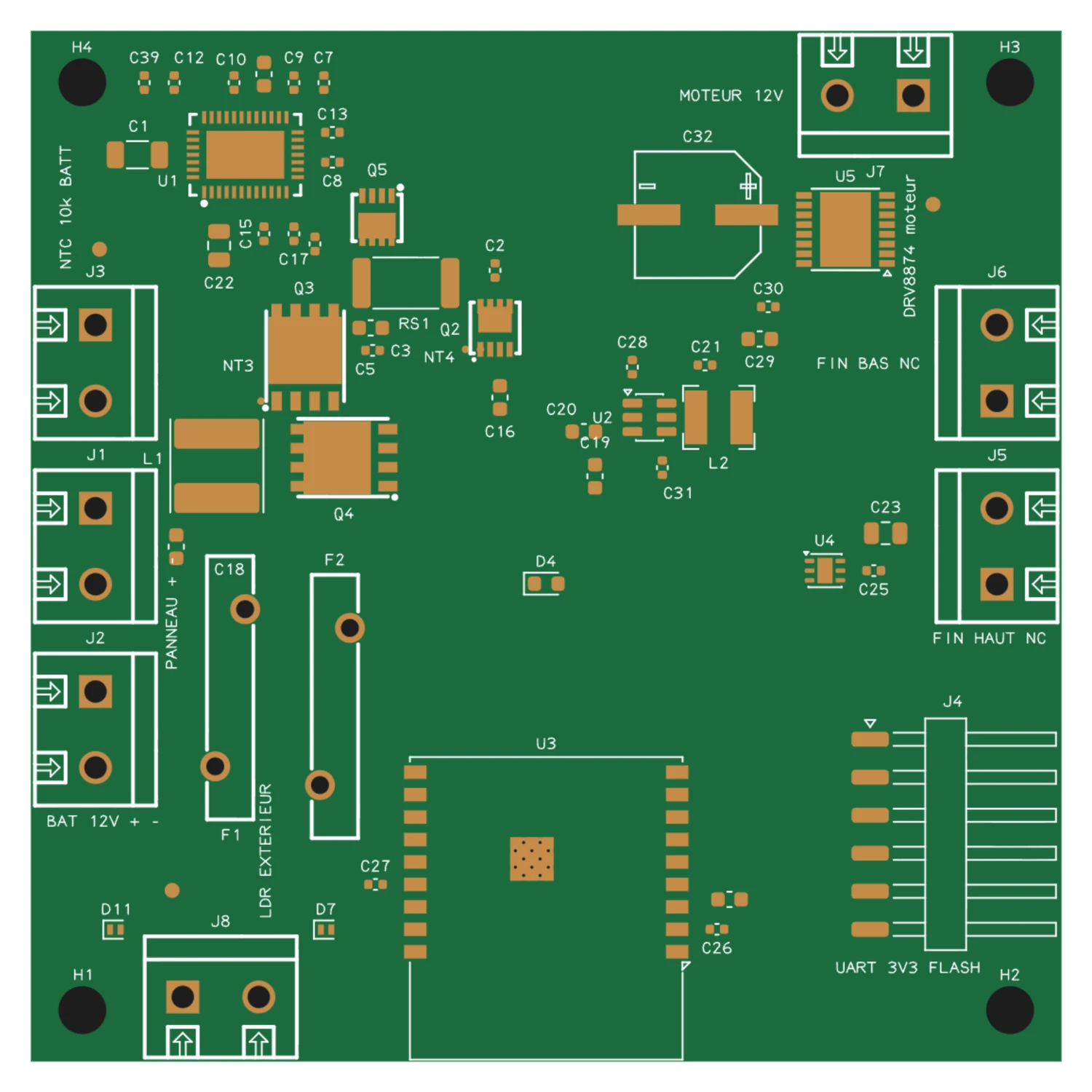
- Bring your boardGive Tinkered your EAGLE board (.brd, EAGLE 6 or later), or describe the circuit.
- Tinkered rebuilds itIt finds real parts, draws the schematic and lays the board out as yours was, then compares the two.
- Make itReview the checked board, then order it and keep its KiCad project.
Questions, answered.
Is EAGLE discontinued, and what replaces it?
Yes. EAGLE reached end of life on 7 June 2026, when Autodesk stopped selling and supporting it. Tinkered reads your EAGLE board as the reference it builds from, finds real parts and gives you back a checked board, its KiCad project and the files to order it.
What is a free alternative to EAGLE?
Tinkered is a free-to-start EAGLE alternative that runs in the browser. It reads your EAGLE board, and its AI designs boards with real parts, checks them against design rules, electrical rules and copper widths, and writes KiCad files and the files JLCPCB, PCBWay and other fabs need. It also tests the firmware and designs the case.
Can Tinkered open EAGLE files?
Yes. Give it your EAGLE board (.brd, EAGLE 6 or later) and Tinkered reads every part and net, finds real parts to buy, draws the schematic and lays the board out as yours was, then compares the two.
Can I export my board to KiCad?
Yes. Every board comes with its KiCad project, next to the Gerbers, drill, BOM and placement files for your manufacturer.
Is there an EAGLE alternative for Mac?
Yes. Tinkered runs in the browser on Mac, Windows, Linux and Chromebook, with nothing to install.
Does Tinkered pick real parts?
Yes. Every part on a Tinkered board is a real, orderable part with its LCSC code or manufacturer part number, and its pins are checked against its datasheet and its library symbols before the fab files are written.